
Grok Bot Feels Like Jarvis—Here’s Where It Actually Works
Grok Bot Feels Like Jarvis—Here’s Where It Actually Works

This article reflects the product and public hands-on reports available on September 3, 2026. Grok Bot is still in beta, so its behavior may change.
It is not just a chatbot—it is an AI worker that stays online

Imagine wanting a short industry brief every morning. A normal AI chat can summarize the material, but you still have to find the sources, upload them, ask the question, and repeat the process tomorrow.
Grok Bot is built to take over that repeated work. You can ask it to check the same sites each day, collect what changed, prepare a brief, and leave the result for review. The work runs on a remote computer provided by xAI, so it can continue after your laptop is closed. xAI’s product overview
That is the useful distinction. Grok Bot does not merely produce a longer answer. It can continue past the answer: open a website, work with files, update a spreadsheet, repeat a task on schedule, and retain the workspace it used before. It is also separate from the @grok account that replies to posts on X.
The closest everyday analogy is a remote assistant sitting at a computer. You assign a responsibility, the assistant works through the steps, and you can inspect the screen, add context, or take control. That makes Grok Bot most promising for work that repeats, follows a recognizable process, and produces an output you can check.
What people are actually handing off

The public examples look varied, but most successful ones follow the same pattern: let the Bot gather and prepare; keep the final judgment with a person.
Before the workday begins, Grok Bot can turn several recurring sources into a morning brief. Instead of opening a dozen pages, you receive a categorized summary with links back to the originals. The same workflow can cover news, project updates, document changes, or relevant community discussions. One published setup assigns separate Bots to different sources and combines their work into a single daily report. Morning-brief workflow
During the day, it can handle preparation work. For email, that might mean identifying messages that need attention, finding the surrounding context, and writing draft replies without pressing Send. The time-consuming research is handled in advance, while the consequential decision remains yours. Email-drafting demonstration
Monitoring is another natural fit. Grok Bot can repeatedly check award-flight availability, page updates, product changes, or a data point and notify you when a condition is met. None of those checks is difficult by itself. The value comes from not having to remember to repeat them every hour or every day. Continuous-monitoring demonstration
Research uses the same model. Give the Bot a question, a set of acceptable sources, and the columns you want in the result. It can search, retain source links, and assemble a first-pass report. Market research, topic discovery, competitor reviews, and presentation preparation have all appeared in early tests. The Bot is most useful for collecting and structuring the evidence, not for replacing the final business judgment. Market-research test
The workflow can extend into customer-record cleanup, spreadsheet updates, invoice filing, onboarding preparation, or evidence collection for a software issue. These jobs sound different, but structurally they are the same: follow a known sequence and return something that can be verified.
A simple delegation test follows from those examples. If you can describe the job as “check these places, apply these rules, and return this exact result,” it is a reasonable candidate. If the brief is merely “take care of everything,” the Bot has no clear finish line and is much more likely to wander.
The real advantage is less waiting and less maintenance

Long-running AI automation used to mean assembling and maintaining several pieces yourself: a server, a browser session, scheduled jobs, account access, and a way to recover when a task stopped. A developer can build that stack, but most people do not want another server to look after.
Grok Bot packages the operating environment with the assistant. Its practical benefits come down to four things:
- It keeps working when your computer is off. Long searches, recurring checks, and scheduled reports can continue in the background.
- It does not start from an empty desk every time. Work files, browser state, and approved account access can remain available for the next task.
- It can use both supported services and ordinary websites. Where direct account access is available, it can retrieve information there; otherwise it can work through the website much as a person would.
- You can show it a process and take over when needed. A user can demonstrate a workflow on the remote screen, then monitor or redirect the Bot later from a phone. Setup and handoff demonstration
Together, those features address a familiar gap: chat AI often tells you the next step, while Grok Bot attempts to perform it.
Less maintenance does not mean no supervision. A redesigned website, a fresh login challenge, or an ambiguous instruction can still stop the task or send it in the wrong direction. Grok Bot lowers the barrier to running a persistent agent; it does not remove the need to inspect the result.
How it compares with chat assistants, self-hosted agents, and coding agents
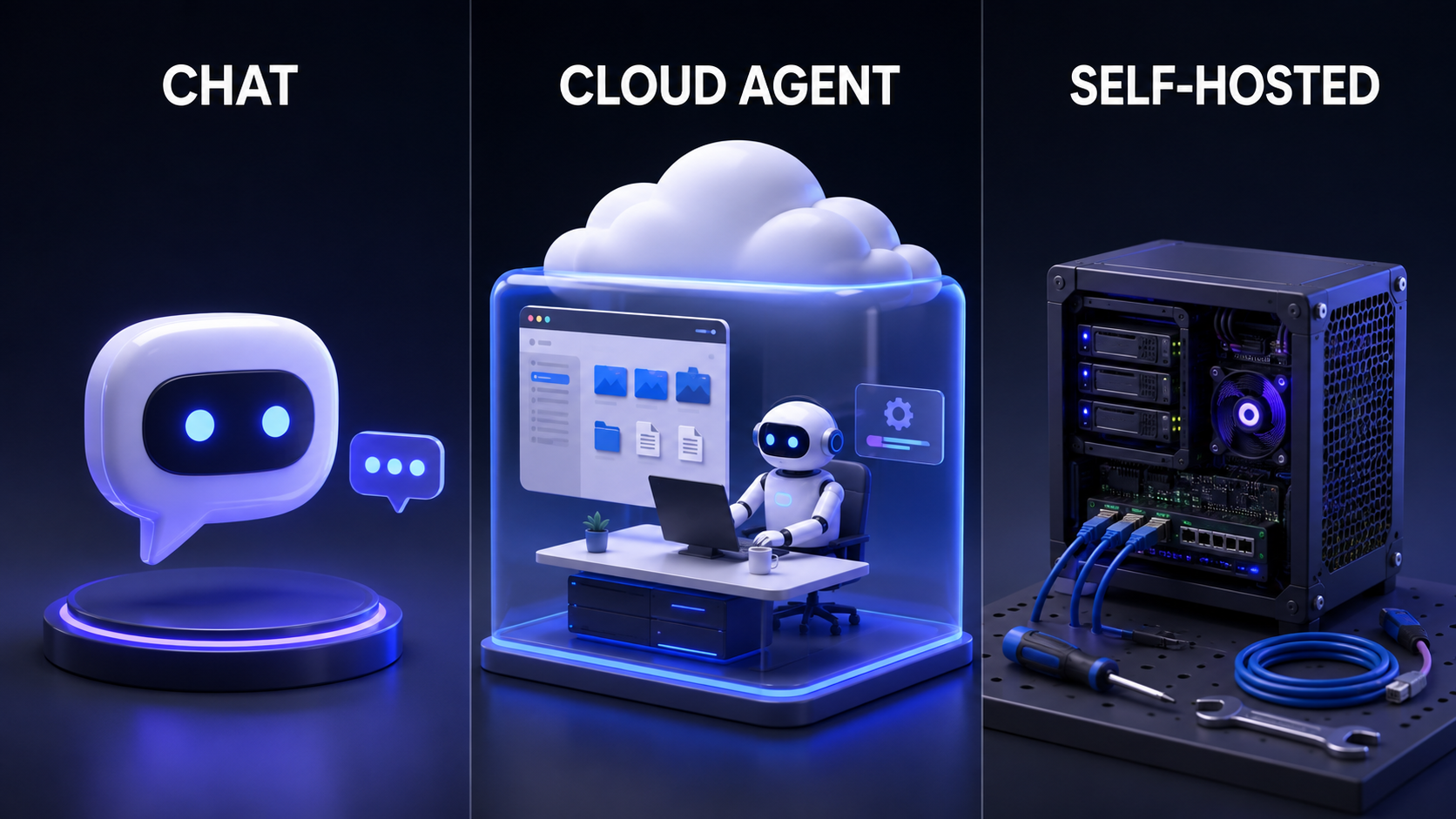
An “agent” is simply an AI assistant that can carry out steps instead of stopping at an answer. Some products provide the computer and tools for you. Self-hosted agents run on infrastructure you manage. Coding agents focus on repositories and development work. The right choice depends on the job, not on which category sounds most advanced.
| Question | Regular chat assistant | Grok Bot | Self-hosted general agent | Cloud coding agent |
|---|---|---|---|---|
| Main job | Answer, analyze, and write | Complete recurring work across sites and apps | Run custom long-term automation | Work inside code repositories |
| Continues after your laptop closes | Usually no | Yes | Yes, if you maintain the server | Yes, mostly for development tasks |
| Works across general websites and apps | Limited | Yes | Depends on your setup | Usually not the main purpose |
| Setup effort | Lowest | Low | Highest | Low |
| Control and customization | Limited | Moderate | Highest | Focused on development workflows |
| Best fit | One-off questions and content tasks | Repeatable, cross-tool work you can review | Teams that need full control and can maintain it | Defined code changes, tests, and reviews |
For a document summary, an email draft, or a planning conversation, chat is usually faster. Grok Bot begins to earn its place when the request becomes: “Check these sources every day, update this sheet, and give me a short report.”
Self-hosting is a better fit when a team must control where data lives, how jobs are isolated, and exactly which tools or models are used—and has someone willing to maintain the system. Grok Bot trades some of that control for a much easier start.
A coding agent is more direct when nearly everything happens inside a repository. Grok Bot makes more sense when code is only one step in a wider process, such as reading an issue, reproducing it in a website, collecting evidence, and preparing a development handoff.
Once the categories are clear, the important question is not whether Grok Bot has more features. It is whether it can perform your particular job reliably enough.
The real-world verdict: reliability follows verifiability
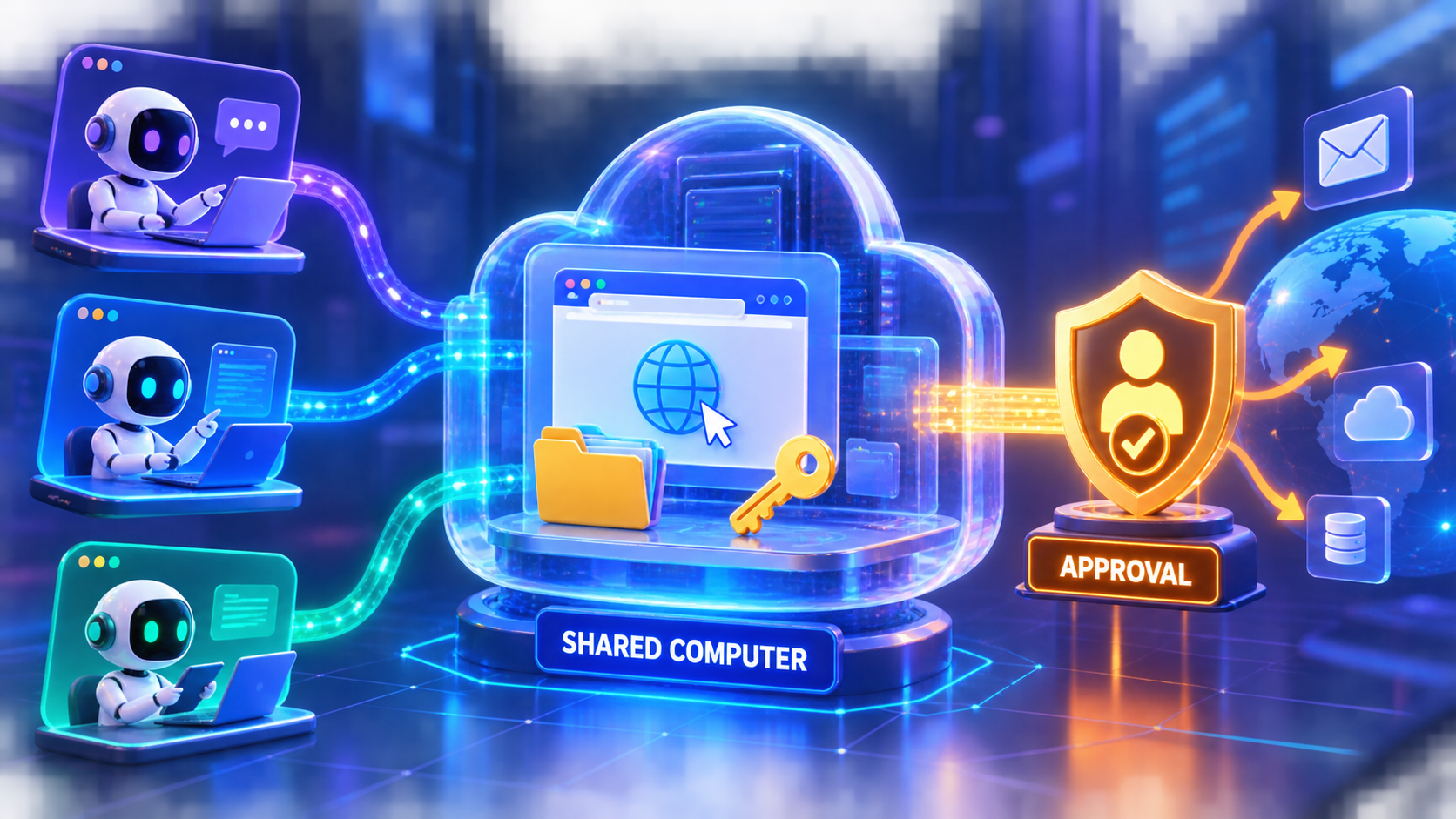
Early results are inconsistent, but the split is not random. Address lookup, spreadsheet updates, source-linked research, and troubleshooting have produced many successful reports. Open-ended writing, broad planning, multi-Bot conversations, and customer-facing work are more likely to require correction or produce duplicated and uneven results. Mixed community reports A second early review
The most useful predictor is whether the result can be checked:
| Better candidates today | Keep under direct human control |
|---|---|
| A daily digest from fixed sources | Creative work with no clear standard |
| Spreadsheet cleanup that can be audited row by row | Customer communication that depends on tone and judgment |
| Alerts when a known condition changes | Automatic sending, publishing, or purchasing |
| Draft emails, reports, and plans | Deleting data or changing production systems |
| Research with links to original evidence | Any action that is hard to reverse |
Errors on the left are visible and recoverable. Errors on the right can immediately affect a customer, an account, or a live business process. A migration test involving a mature, heavily tuned agent workflow also found that Grok Bot still needed frequent supervision, so it should not be treated as a drop-in replacement for every existing automation. Complex-workflow migration test
The safest starting point is one read-only or draft-only assignment. Define the sources, the output, the forbidden actions, and what to do when a source fails. For example:
Every morning at 8:00, check these three sources for items published in the previous 24 hours. Return no more than five items, each with a title, a two-sentence summary, and the source link. Do not send email, publish content, buy anything, delete anything, or edit external data. If a source is unavailable, report the failure and continue with the others. Wait for my review when finished.
Watch the first run. Schedule it only after several outputs are consistently reviewable. Keep sending, publishing, purchasing, deleting, production changes, and direct customer contact behind human approval—the same progression recommended in xAI’s official use-case guidance.
Grok Bot is therefore a strong fit for people who already have recurring, cross-tool work, want it to continue while they are away, and are willing to review the output without maintaining a server. Its best form is not one all-powerful digital employee. It is one Bot owning one clear, checkable result.
That is where the Jarvis comparison feels earned: not because Grok Bot is magically right, but because a task can keep moving after the conversation ends. For now, use it to prepare work for approval, not to make every consequential decision on your behalf.
Sources
- xAI: Introducing Grok Bot
- xAI Docs: Grok Bot use cases
- xAI Docs: Approvals, security, and privacy
- Lenny's Newsletter: One week with Grok Bot
- SentiSense: Grok Bot market-research test
- Reddit: A recurring Grok Bot work setup
- Reddit: Mixed Grok Bot experiences
- Reddit: An early Grok Bot review
- 9to5Mac: Practical Grok Bot workflow tests
- Paul J Lipsky: Setup, demonstration, and mobile handoff
- Lead Gen Jay: Migration of an existing agent workflow
Community posts and videos describe early individual experiences. They do not guarantee the same result for every user.
Latest from the blog
New research, comparisons, and workflow tips from the Vibe Coding Tools team.
A recorded Muse signup through Airtap, covering email codes, birthday confirmation, Meta account creation, and the limits of the invite-code and chat checks.
A practical look at local LLMs and agent workflows on a 32GB Apple Silicon Mac mini, including Qwen3.6-35B-A3B, MLX, and tool-calling limits.
A practical review of Jev's typed decisions, state handling, current AI Gateway availability, and independent open source alternatives.