
DeepSeek Harness Tutorial: A Practical Guide to Its Strengths and Best Use Cases
DeepSeek Harness Tutorial: Think of It as an AI Workshop, Not Just Another Coding Assistant
If you have used Claude Code, Codex, or another coding agent, the basic routine is familiar: describe a task, let the agent inspect files and run tools, then review the result.
DeepSeek Harness can do that too. But “it can write code” is the least interesting description of it.
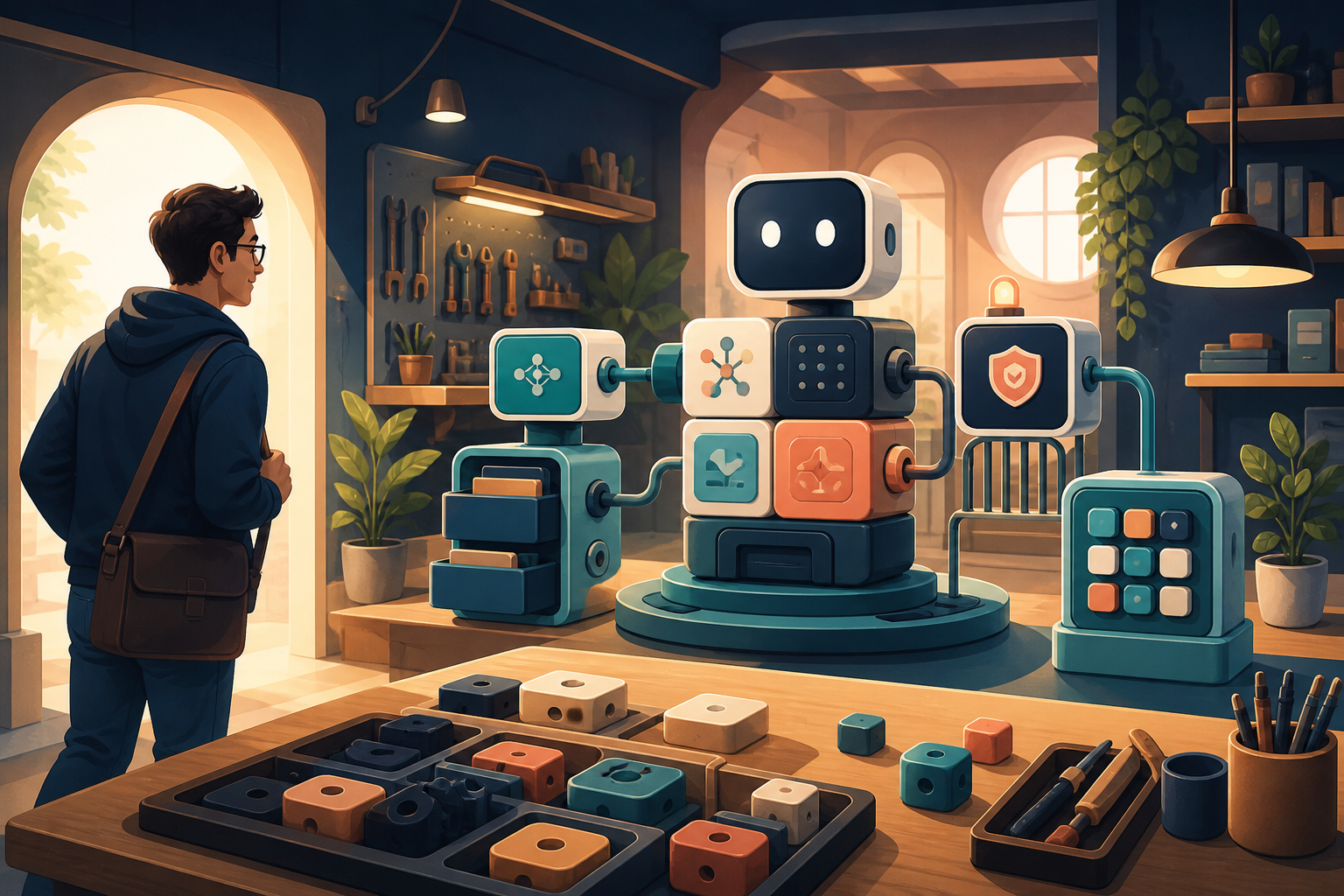
The useful mental model is a workshop. A ready-made coding assistant is like a well-finished car: the controls, engine, safety systems, and navigation are already fitted. DeepSeek Harness gives you a working vehicle and access to the workshop around it. You can inspect or swap the model, tools, memory, approval rules, session storage, and even the interface.
That flexibility is exciting, but it does not make every job easier. This guide focuses on the practical questions: what DeepSeek Harness actually is, how to try it without getting lost in configuration, what its strongest ideas are, and when Claude Code or Codex may still be the better choice.
As of August 20, 2026, DeepSeek still labels Harness a Developer Preview and warns that compatibility-breaking changes may occur. It is ready for serious exploration, not automatic production trust. See the official repository.
The simplest mental model: an agent made of replaceable parts
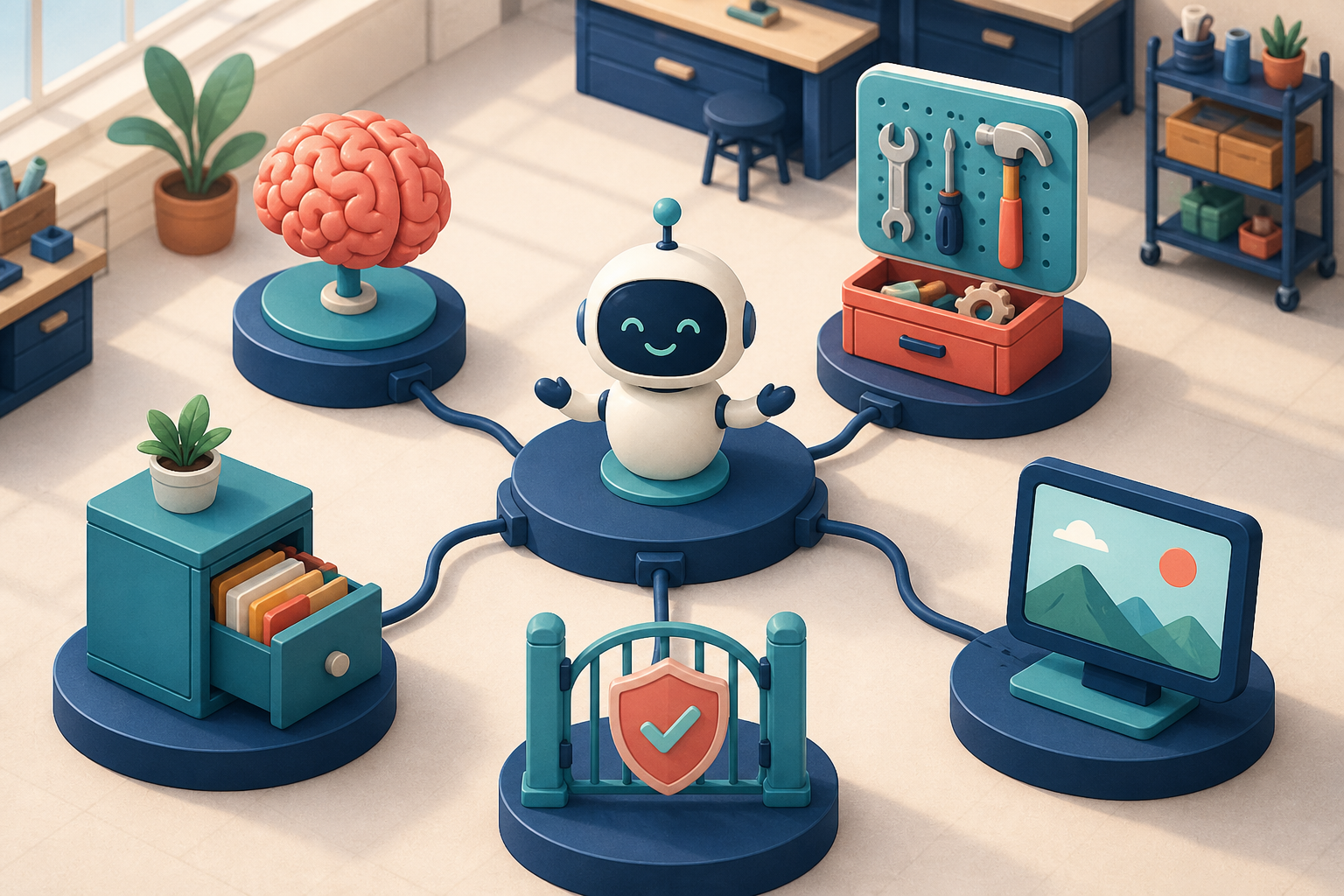
A coding agent looks like one product from the outside, but several systems cooperate behind the chat box:
- a model reasons and produces text;
- tools read files, edit code, and run commands;
- a session system remembers what happened;
- approval rules decide which actions need human permission;
- an agent loop chooses what to do next;
- a user interface makes the whole process manageable.
Most coding agents assemble those pieces for you. That is often exactly what you want: fewer decisions, sensible defaults, and a workflow that feels consistent.
DeepSeek Harness takes a different approach. Its official preview describes models, tools, skills, sessions, sandboxes, storage, loops, scheduling, and UI as plugins. Cordis, its underlying kernel, loads these parts and manages their relationships.
This is broader than the browser-extension meaning of “plugin.” A plugin can change which model provider you use, how sessions are stored, what tools exist, which approvals appear, or how the agent is presented. Independent runtime analysis therefore treats DSH as a composable agent runtime rather than a fixed coding assistant.
Imagine that your team wants an internal review agent. It may read only selected repositories, must request approval before running risky commands, needs to save findings in an internal system, and should be able to move from a hosted model to a local model later. A finished coding product may expose some of those controls. Harness aims to make every one of them a replaceable building block.
That freedom has a price. Someone must understand plugin permissions, version compatibility, upgrade behavior, and what happens when two pieces interact badly. “Everything is a plugin” is both a capability and a maintenance decision.
DeepSeek currently presents four main modes:
- Standard is the sensible first stop and feels closest to a complete coding agent.
- PTC emphasizes programmatic tool calling for coordinating multi-step tool work.
- Minimal removes more assumptions so you can study or build a smaller runtime.
- Creator is aimed at creating and debugging plugins.
You do not need to master all four before doing useful work. Start with Standard. Move to another mode only when you can name the limitation you are trying to remove.
A first run that teaches you something useful
The shortest way to launch the web interface is:
npx @deepseek-ai/dsh web
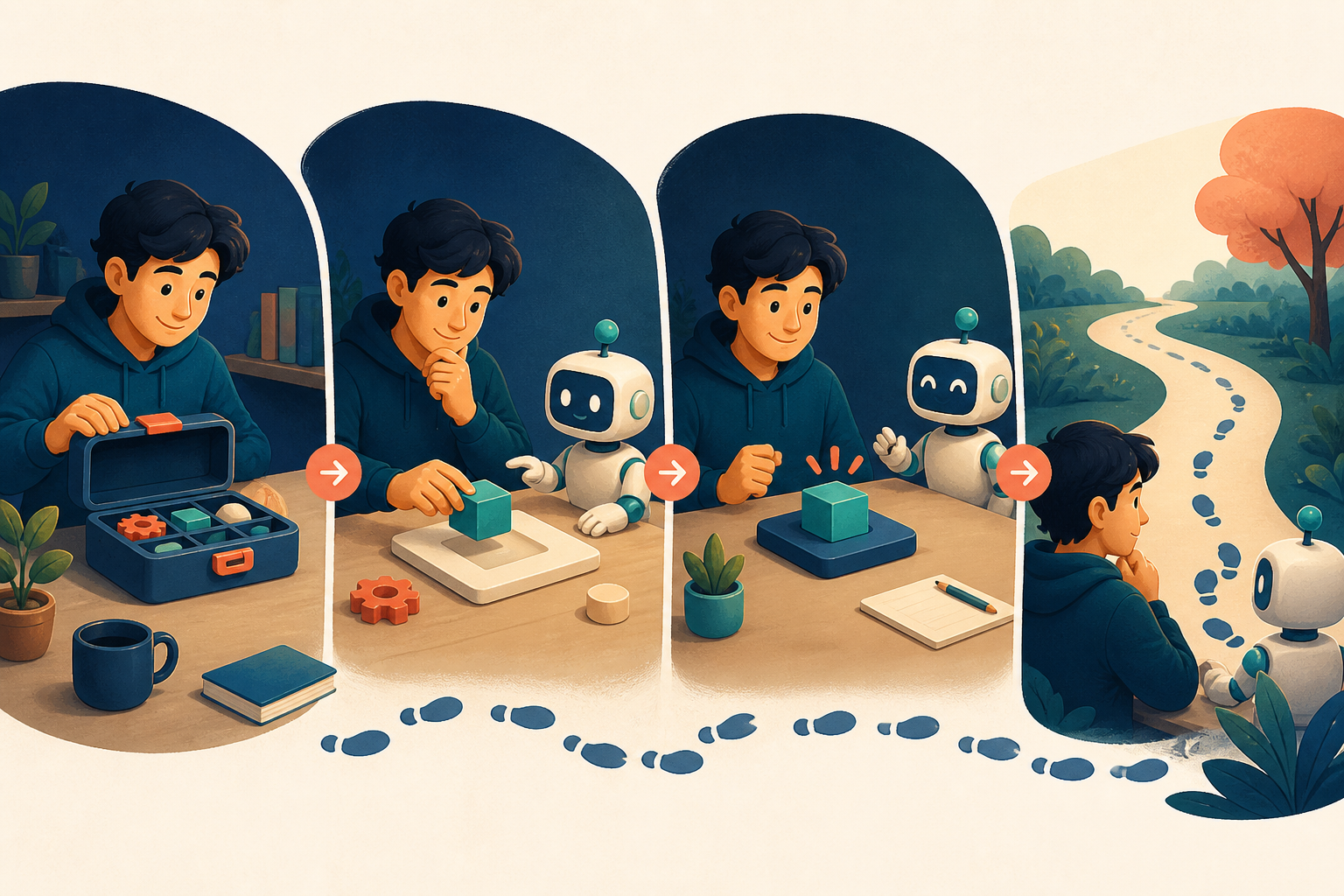
Configure a model in Settings, select a workspace, and choose a small task whose answer is easy to verify. Do not begin by installing every interesting plugin or asking the agent to refactor an entire application.
A good first prompt is deliberately modest:
Inspect this sample project without changing files. Tell me what it does, how it starts, and which directories matter most. Show the evidence for each conclusion.
This checks several things at once without putting the repository at risk. Did Harness open the correct workspace? Which files did the agent read? Did tool calls behave as expected? Which actions required approval? Did the final summary match the project?
Next, give it one small edit—perhaps improving an error message—and require the existing tests to run. Afterward, inspect the trajectory instead of judging only the final answer.
This “one variable at a time” approach matters because agent behavior has many possible causes. If you change the model, mode, plugins, permissions, and context settings together, a failure becomes hard to explain. Keep the model, workspace, and mode fixed first. Add custom pieces only after you understand the baseline.
The same caution applies to local models. Community members have connected Qwen and other OpenAI-compatible endpoints to DSH and completed long sessions. One Qwen long-run report is impressive, but it reflects a specific GPU, inference backend, context window, quantization, and compaction setup. It proves that the path can work; it does not promise identical performance on another machine.
If you hit output or context limits, do not immediately blame Harness or the model. Check whether the configured context window and maximum output match the actual endpoint, and whether automatic compaction is operating as intended.
Trajectory is the feature that changes how debugging feels
A chat transcript tells you what you asked and what the assistant finally said. An agent run contains much more: files read, context inserted, tool calls, command output, plan changes, failed attempts, and intermediate decisions.
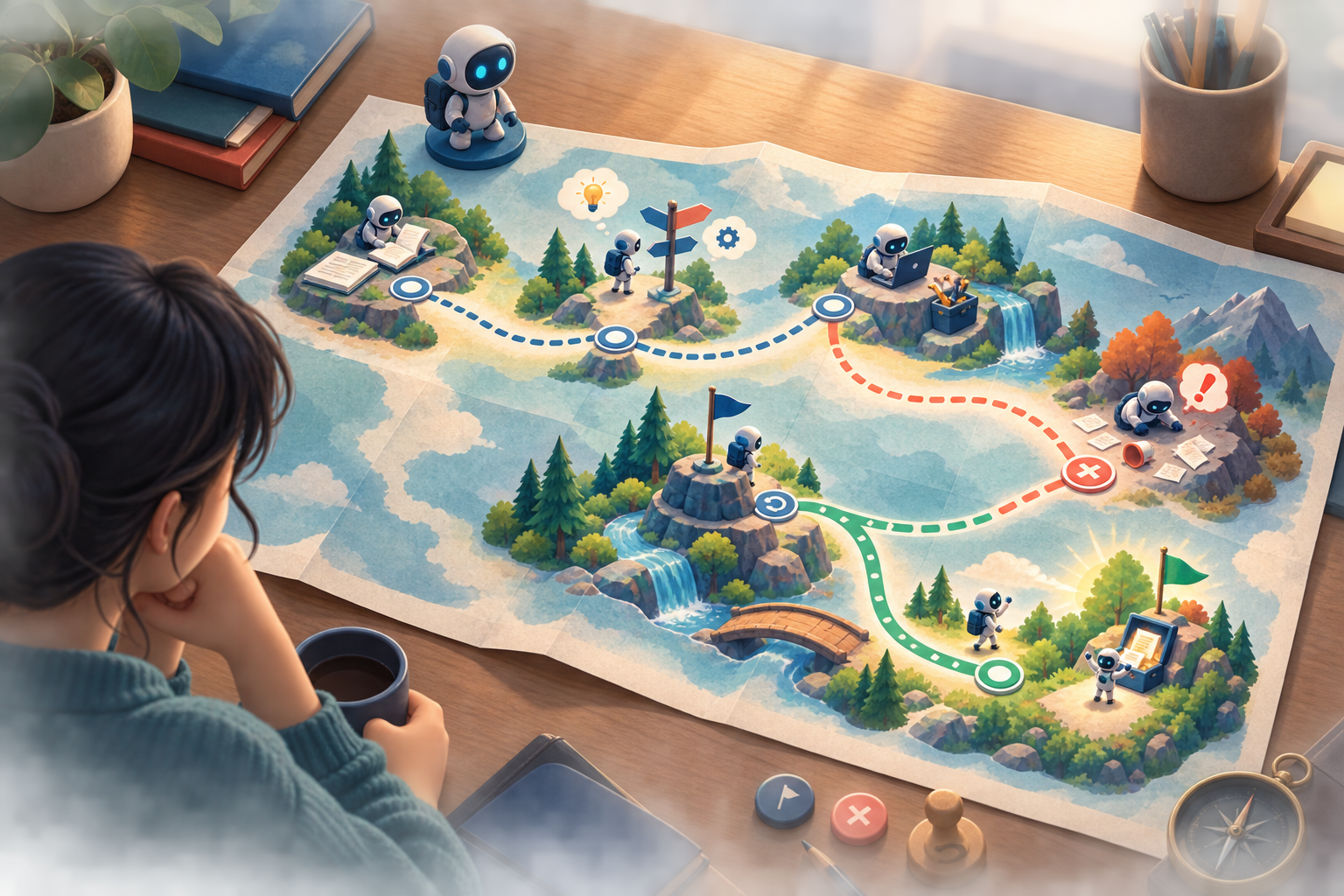
DeepSeek Harness exposes this journey as a trajectory. Its sessions use an append-only event record that can be searched, resumed, replayed, and forked.
Think of it as a combination of a travel journal, dashcam, and game save. If the agent takes a wrong turn halfway through a long task, you may not need to restart from the beginning. You can return to an earlier point and explore another branch. If the task succeeds but consumes an unexpected amount of context, you can inspect where the repetition came from.
For everyday development, this improves diagnosis. When an agent says “tests passed” but the result looks suspicious, the trajectory lets you distinguish between a misread command result and a test command that never ran.
For agent builders, it is even more valuable. If you are experimenting with skills, context engineering, tool descriptions, or approvals, the final answer is not enough. You need to see what the model actually received and how each tool response shaped the next step.
Transparency does not make the model smarter. A dashcam can show where the driver turned incorrectly; it does not steer the car. What trajectory adds is observability, recoverability, and a better way to learn from failures.
This is why trajectory may be DSH's most durable advantage. Plugin catalogs can become noisy, and individual plugins come and go. A clear record of the agent's real execution path is useful from the first experiment onward.
DeepSeek Harness vs Claude Code and Codex

The tempting question is: “Is DeepSeek Harness better than Claude Code or Codex?” The more useful question is: “How much of the agent do I want to own?”
An agent's result depends on the model, system instructions, tools, context management, permissions, task, and environment. Switching the harness often changes several of those variables together. There is currently no strong independent benchmark showing that DSH is universally faster, cheaper, or better at coding.
Early community reports are also mixed. One first-impressions thread praised cache behavior and output quality while describing the experience as slow, token-heavy, and confusing in places. Replies reported different efficiency. A cross-provider discussion found some GPT tool-calling combinations less smooth in DSH and Codex more convenient out of the box, while still valuing DSH's provider flexibility.
So the fairest comparison is about product shape:
| What you actually need | The more natural starting point |
|---|---|
| A polished daily coding workflow with fewer decisions | Claude Code, Codex, or another mature coding product |
| A different model provider but mostly the same workflow | First check whether your current product supports it |
| A laboratory for agent runtime and context design | DeepSeek Harness |
| Custom tools, approvals, storage, loops, or UI | DeepSeek Harness |
| Stable versions and mature operational support | Prefer a mature product today; keep watching DSH |
A high-speed train is excellent on a finished route. A normal car is flexible for daily travel. A modular workshop vehicle is valuable when the road is unusual and you expect to change the machine. The workshop vehicle is not automatically fastest on the highway.
You can also use both categories. Keep a polished assistant for daily delivery and use DSH to prototype new agent behavior, evaluate local models, or understand why a workflow behaves the way it does.
Who should use it now—and who should wait

DeepSeek Harness is worth trying now if you want to understand agent runtimes rather than merely switch chat interfaces; if you are building an internal agent with custom models, tools, approvals, or storage; if you need to inspect and branch long-running sessions; or if you are evaluating local and OpenAI-compatible endpoints.
It is less urgent if your main goal is to finish today's feature and your current coding assistant already works well. An open runtime does not erase configuration, maintenance, and learning costs.
Production use needs another layer of caution. DSH exposes approval, guard, and sandbox controls, which is good. But the existence of security controls is not proof that every default or custom composition is safe. An A.I.G. indirect prompt-injection assessment ran 14,560 controlled trials under a specific DSH revision, model, persona, and baseline. Different attack channels still achieved non-zero success. The study does not represent every future version or configuration, but it shows why real attack-surface testing matters.
Plugins create a similar trade-off. In the Hacker News launch discussion, some developers welcomed the unusual level of composability and trajectory visibility. Others worried about plugin fatigue, supply-chain risk, permissions, npm overhead, and the lack of comparable harness benchmarks. Both reactions are reasonable: more doors make the workshop flexible, but every door needs an owner.
A practical adoption path is simple. Run several small tasks in an isolated environment. Pin the version and configuration. Review approvals, workspace boundaries, and plugin origins. Measure results on your own repeated tasks. Move toward important projects only when the behavior is understandable and repeatable.
DeepSeek Harness is not compelling because it has already “won” AI coding. It is compelling because it opens the workshop. Developers can finally inspect how the model, tools, memory, permissions, and session loop fit together—and replace parts when the default is not enough.
If you only need a ride, the workshop may feel like extra work. If you want to learn how the vehicle is built, repair it, or design a new one, DSH is one of the most interesting places to spend time.
Related YouTube videos
These videos are useful starting points for additional creator perspectives. Automated acquisition was blocked by YouTube's anti-bot check, so no transcript or frame from them is used as evidence in this article:
- Better Stack: DeepSeek Harness Just Changed AI Forever
- Prompt Engineering: Qwen 3.8-27B in DeepSeek Harness
- Turing Post TV: DeepSeek Just Killed Proprietary Coding Agents
Sources
- DeepSeek Harness official preview
- Official DeepSeek Harness repository
- Cordis paper repository
- Zicode runtime source analysis
- Kondasamy on the Cordis kernel architecture
- A.I.G. indirect prompt-injection assessment
- Hacker News launch discussion
- Reddit first impressions
- Reddit cross-provider experience
- Reddit local Qwen long-run report
This guide reflects material available on August 20, 2026. Developer Preview behavior may change quickly, so check the official documentation before adopting it.
Latest from the blog
New research, comparisons, and workflow tips from the Vibe Coding Tools team.
A recorded Muse signup through Airtap, covering email codes, birthday confirmation, Meta account creation, and the limits of the invite-code and chat checks.
A practical look at local LLMs and agent workflows on a 32GB Apple Silicon Mac mini, including Qwen3.6-35B-A3B, MLX, and tool-calling limits.
A practical review of Jev's typed decisions, state handling, current AI Gateway availability, and independent open source alternatives.