
Hermes Is Not an Assistant, but a Digital Employee Organization System: A Practical Guide to Profile, Orchestrator, and Kanban
Hermes Is Not an Assistant, but a Digital Employee Organization System: A Practical Guide to Profile, Orchestrator, and Kanban
Many people regard Hermes as a smarter chat assistant: ask questions, run commands, and change code. But a stronger usage is to turn it into a small digital employee organization. Different profiles take on different roles. Orchestrator is responsible for dismantling and scheduling, and Kanban is responsible for turning tasks into traceable, recoverable, and repeatable workflows.
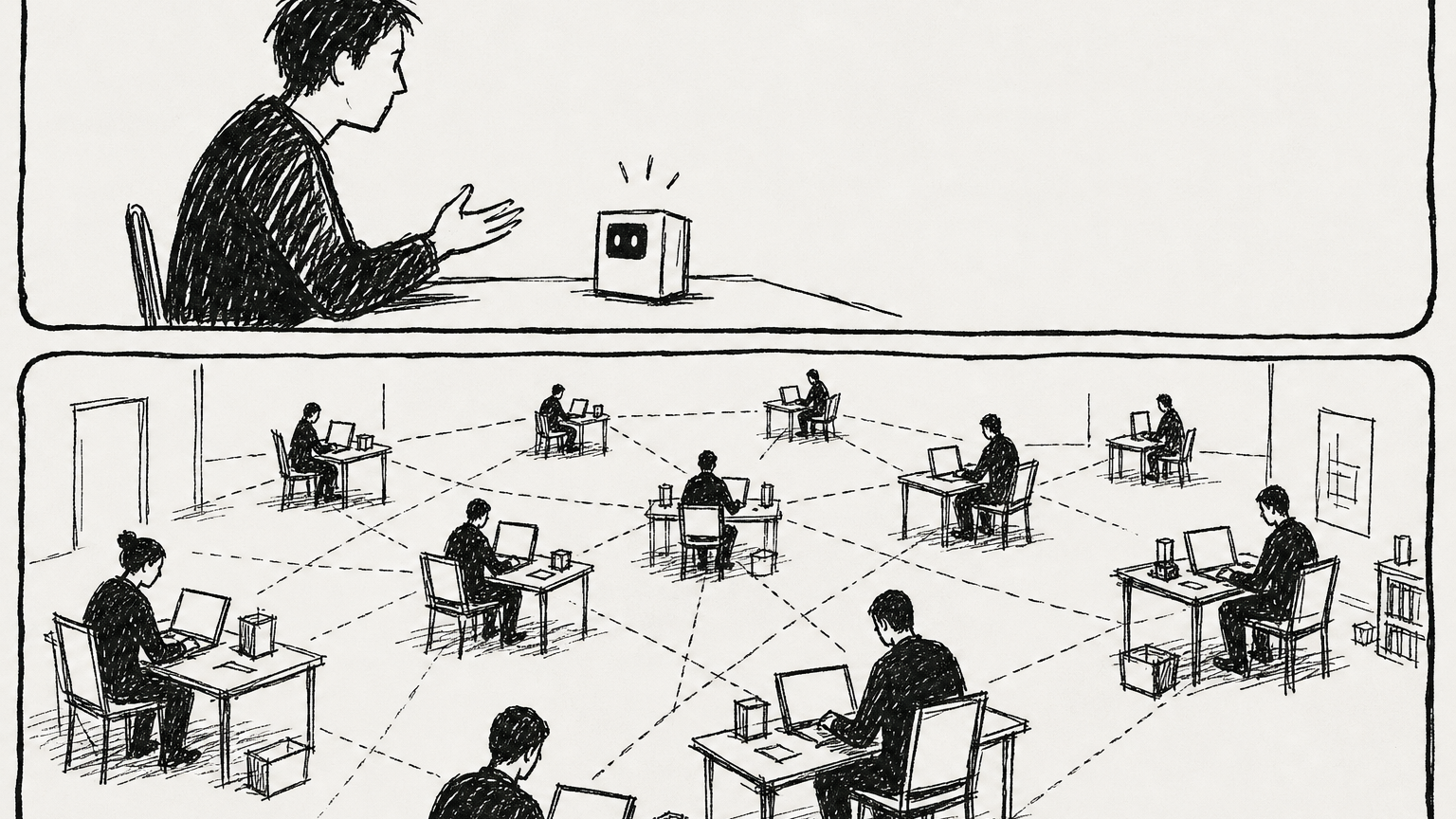
The real change is not smarter answers, but the emergence of organizational structure.
What problems does this system solve?
If you only use one AI assistant, complex tasks can easily become a black box: it says "I'm done", but you don't know whether the task has been broken down clearly, who did which step, where the failure is, and where the product is placed. Hermes’s digital employee system breaks this matter down into four layers:
- Profile: Identity, memory, tools and permissions for every digital worker.
- Orchestrator: Task manager does not do all the work himself, but splits tasks, assigns tasks, strings dependencies, and sees the results.
- Kanban: Persistent task dashboard, recording task status, running logs, comments, dependencies and delivery results.
- Gateway / Feishu / Telegram and other portals: Humans submit requirements to the system, supplement information, approve, and receive results.
In other words, Hermes is not just "an agent", but can create a minimal AI organization.
Profile is the employee file
Profile is not a simple character. It is more like an independent employee's home directory: it has its own config.yaml, .env, memory, sessions, skills, cron and status database. That is, it has independent memory, tools, permissions, and work history.
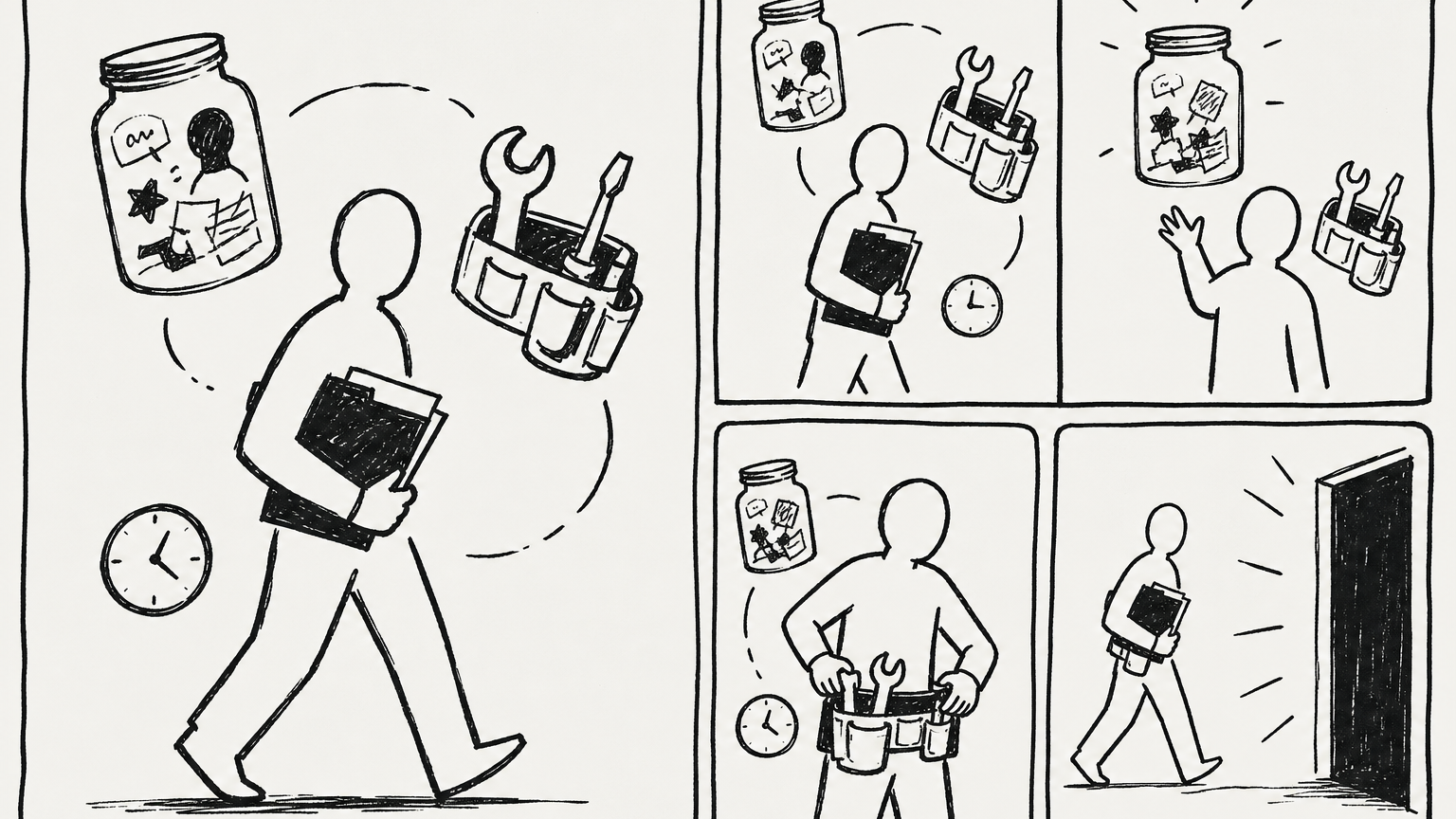
*Role boundaries should fall on files, memories, skills and permissions. *
Create a role profile:
hermes profile create researcher --clone
hermes profile create coder --clone
hermes profile create reviewer --clone
hermes profile create writer --clone
hermes profile create orchestrator --clone
--clonehere means copying the basic configuration and key of the current master profile, which is suitable for a quick start. If you want to isolate permissions in the future, you should adjust profile, tools and models one by one.
View existing employees:
hermes profile list
hermes profile show researcher
Cut to a direct conversation with an employee:
hermes --profile researcher
hermes --profile coder chat -q "检查这个仓库的测试入口"
One AI, split into multiple positions
When there are more profile, Hermes is no longer just "I talk to a AI", but like an organization: orchestrator is responsible for dismantling tasks, researcher is responsible for checking information, coder is responsible for implementation, reviewer is responsible for acceptance, and publisher or writer is responsible for external output.
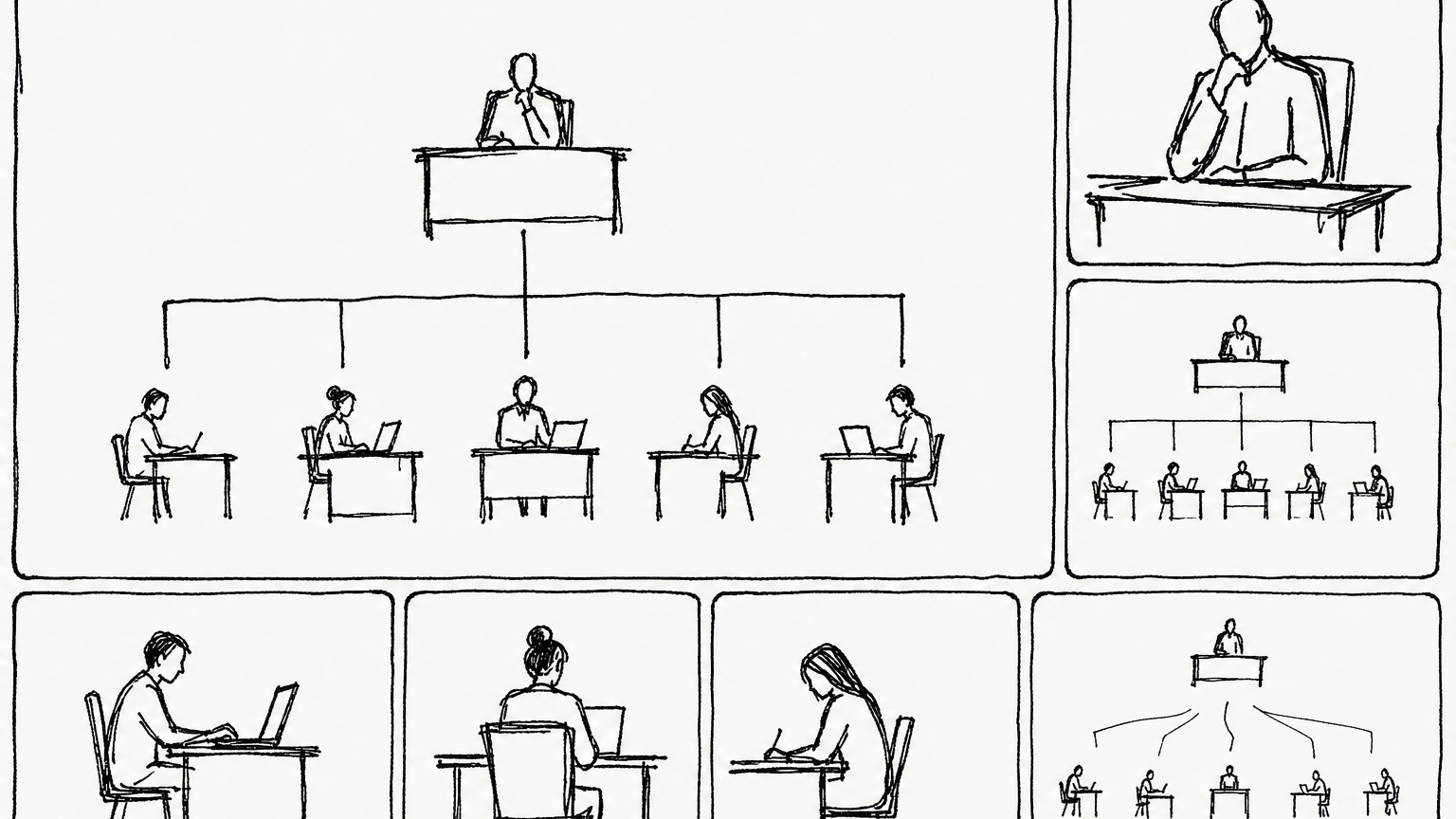
*After being organized into posts, tasks can be assigned, reviewed, and handed over. *
A minimum position configuration can be understood as follows:
orchestrator: Only responsible for dismantling, distributing, linking dependencies, and checking progress; don't let it become addicted and execute it yourself.researcher: Responsible for search, data collection, competitive product analysis, and fact checking.coder: Responsible for code modification, script implementation, and running tests.reviewer: Responsible for acceptance, code review, and risk inspection.writer: Responsible for writing research or engineering results into articles, documents, and releases.
This is not about "formally having a few more roles", but about breaking down complex tasks from a big black box into observable chains of responsibility.
Orchestrator is a task manager, not a universal worker
The key rules of Orchestrator are: Teardown and scheduling first, personal execution last. It should split the target into Kanban cards, assign them to the real profile, and use dependencies to control the order.
The most recommended way to start is not to let the host agent in the ordinary chat temporarily act as Orchestrator, but to create a real orchestratorprofile and let it accept tasks through Kanban.
First make sure that both orchestrator skill and worker skill are present:
hermes --profile orchestrator skills list | grep kanban-orchestrator
hermes --profile researcher skills list | grep kanban-worker
If missing, the built-in skill can be restored:
hermes --profile orchestrator skills reset kanban-orchestrator --restore
hermes --profile researcher skills reset kanban-worker --restore
Then create a "root task card" for Orchestrator:
hermes kanban create "拆解并组织完成:为我的产品写一篇上线介绍文章" \
  --assignee orchestrator \
  --skill kanban-orchestrator \
  --body "你是 Orchestrator。不要自己完成全部内容。请先确认已有 profile,然后拆成 research、draft、review 三类任务,给每张子任务写清楚验收标准,并用依赖关系串起来。" \
  --workspace scratch
After this task is pulled up by dispatcher, orchestratorworker will create subtasks through kanban_create, kanban_link, kanban_commentand other Kanban tools. Note: **worker uses tool calls internally, not to execute hermes kanbanin the shell. ** Humans use CLI in the terminal, and agent uses the kanban_*tool at runtime. Both eventually write to the same Kanban database.
If you want to manually simulate the disassembly of Orchestrator, you can also directly use CLI to create a dependency chain:
# 1. Two research tasks in parallel
hermes kanban create "调研目标用户痛点" \
  --assignee researcher \
  --body "输出 5 条真实痛点、来源链接、可引用句子" \
  --workspace scratch

hermes kanban create "调研竞品上线页写法" \
  --assignee researcher \
  --body "找 5 个竞品页面,总结标题、卖点、CTA 写法" \
  --workspace scratch

# 2. After getting the two task IDs above, create a writing task that depends on them
hermes kanban create "合成上线介绍文章初稿" \
  --assignee writer \
  --parent t_research_1 \
  --parent t_research_2 \
  --body "基于两个父任务结果,写一篇 1200 字中文文章,结构清晰,有标题、小节和 CTA" \
  --workspace scratch

# 3. Finally, create a review task that depends on the writer result
hermes kanban create "审核上线介绍文章" \
  --assignee reviewer \
  --parent t_writer_1 \
  --body "检查事实准确性、表达是否像人话、是否有可执行 CTA" \
  --workspace scratch
In actual use, replace t_research_1, t_research_2, and t_writer_1with the real task id returned by the previous command.
Kanban is a multi-Agent work queue
Kanban of Hermes is not an ordinary to-do list, but a durable multi-agent collaboration dashboard. It puts "big tasks → split → assign → execute → log → product → acceptance" into the same task board, allowing you to see when each profile received the task, what it did, where it failed, and where the final product is.
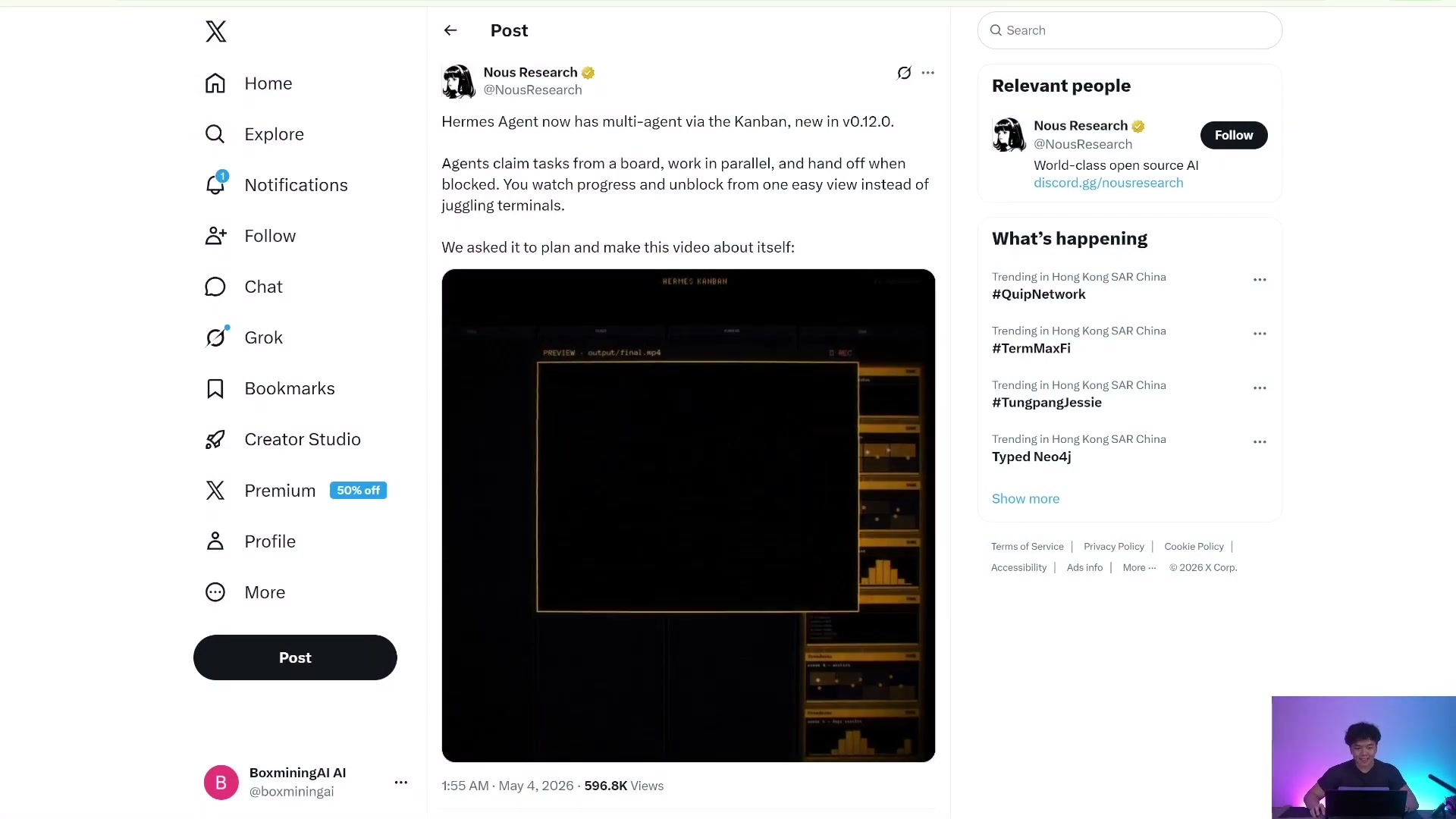
*The value of Kanban is to make the multi-agent collaboration process explicit, rather than just waiting for a final reply. *
Kanban is suitable for these scenarios:
- Research report: Multiple researchers check different directions in parallel, and then handed over to writer for summary.
- Project delivery: coder code modification, reviewer review, tester verification.
- Content pipeline: material collection, first draft, editing, and publishing are separated.
- Long-term operation and maintenance: daily inspection, weekly review, and retry after failure.
- Human participation: After the task card is blocked, the human comment will be unblock.
The difference between it and delegate_taskis very important: delegate_taskis more like a function call, and the parent agent waits for the child agent to return; Kanban is more like a persistent task queue, and the subtasks can cross processes, time, and profile, and retain logs and status.
Initialize Kanban
Because Kanban is a persistent work queue, the first step is to initialize the database and start dispatcher in gateway.
hermes update
hermes kanban init
hermes gateway start
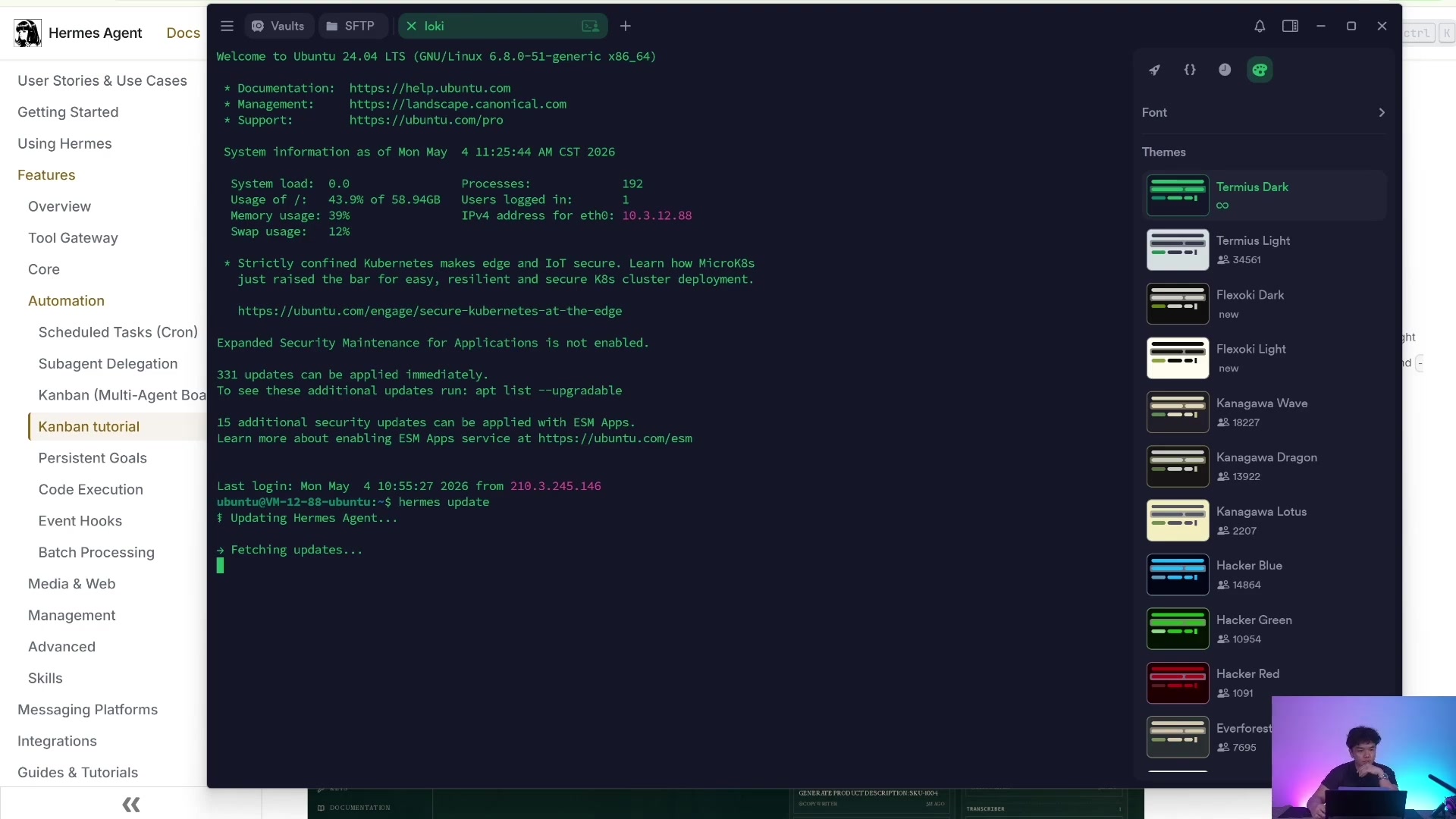
*After initialization is complete, the local database and workspace structures required by Kanban are created. *
If you have multiple project streams, you can create different boards:
hermes kanban boards list
hermes kanban boards create content-system --name "内容生产系统" --switch
hermes kanban boards show
Operate the specified board without switching the current board:
hermes kanban --board content-system list
hermes kanban --board content-system create "写一篇产品文章" --assignee writer
Create and assign tasks
The most basic task creation command is:
hermes kanban create "Research AI funding landscape" \
  --assignee researcher \
  --body "Research recent AI funding rounds and write a concise report." \
  --workspace scratch
Commonly used parameters:
--assignee researcher: Specify which profile is executed.--body "...": Mission description, the more specific the better.--workspace scratch: Give the task a temporary workspace.--workspace dir:/absolute/path: Let worker work in an existing directory, such as a warehouse or Obsidian vault.--workspace worktree: For coding tasks, let worker use git worktree.--parent <task-id>: Create dependencies, and the subtask enters ready only after the parent task is completed.--skill <skill-name>: Add a certain skill to this task card.--max-runtime 2h: Limit single running time.--max-retries 3: Continuous failure fuse threshold.--triage: First put it in the triage column, and then use specifier to expand it into a complete task.
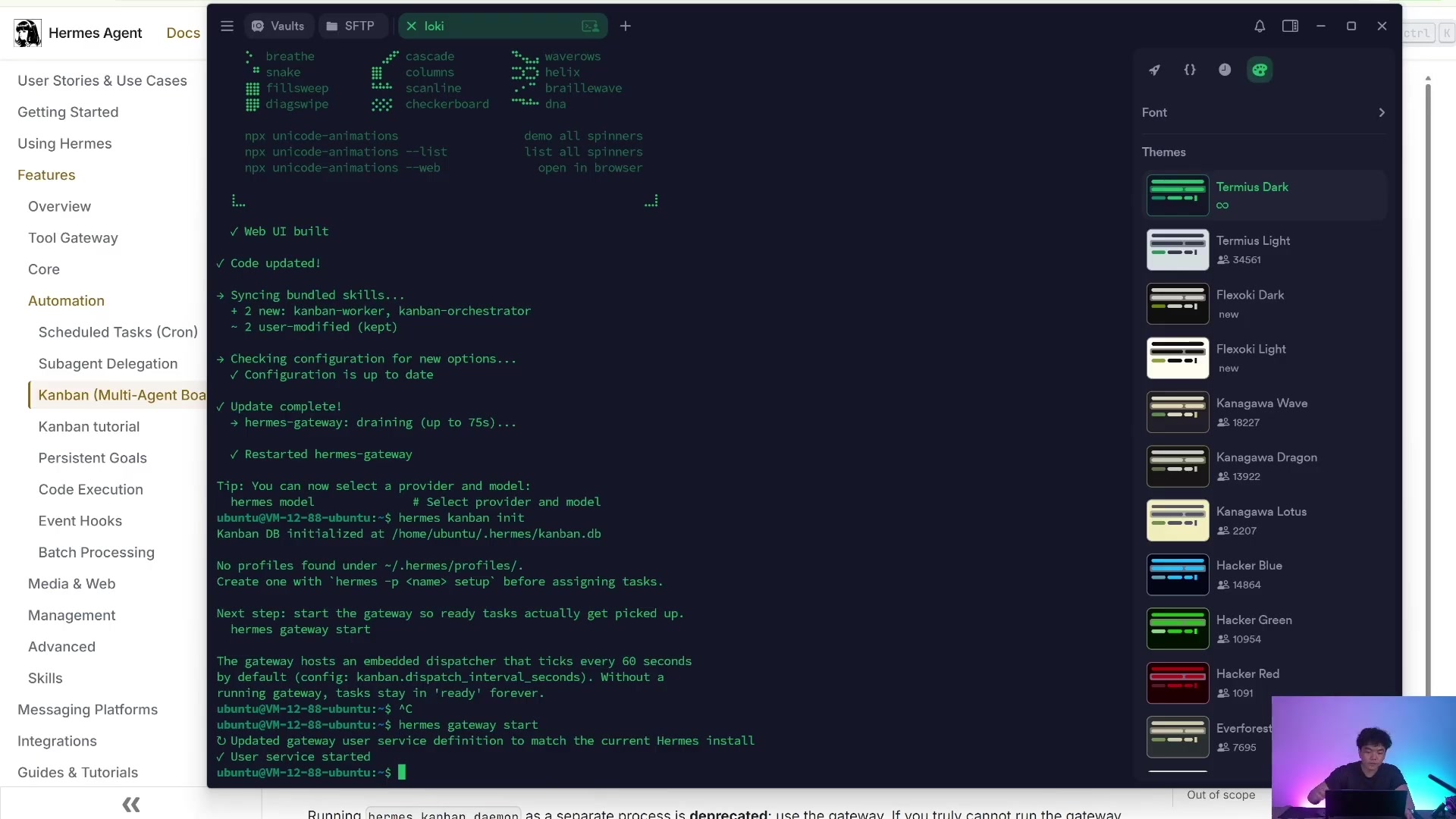
*gateway is not only a message entry, but also responsible for Kanban worker scheduling. *
Observe the task execution process
After the task is created, the most commonly used sets of commands are:
# View the task list
hermes kanban list
hermes kanban stats
hermes kanban assignees

# View a single task detail, context, and run history
hermes kanban show <task-id>
hermes kanban context <task-id>
hermes kanban runs <task-id>

# Follow logs and events
hermes kanban log <task-id>
hermes kanban tail <task-id>
hermes kanban watch
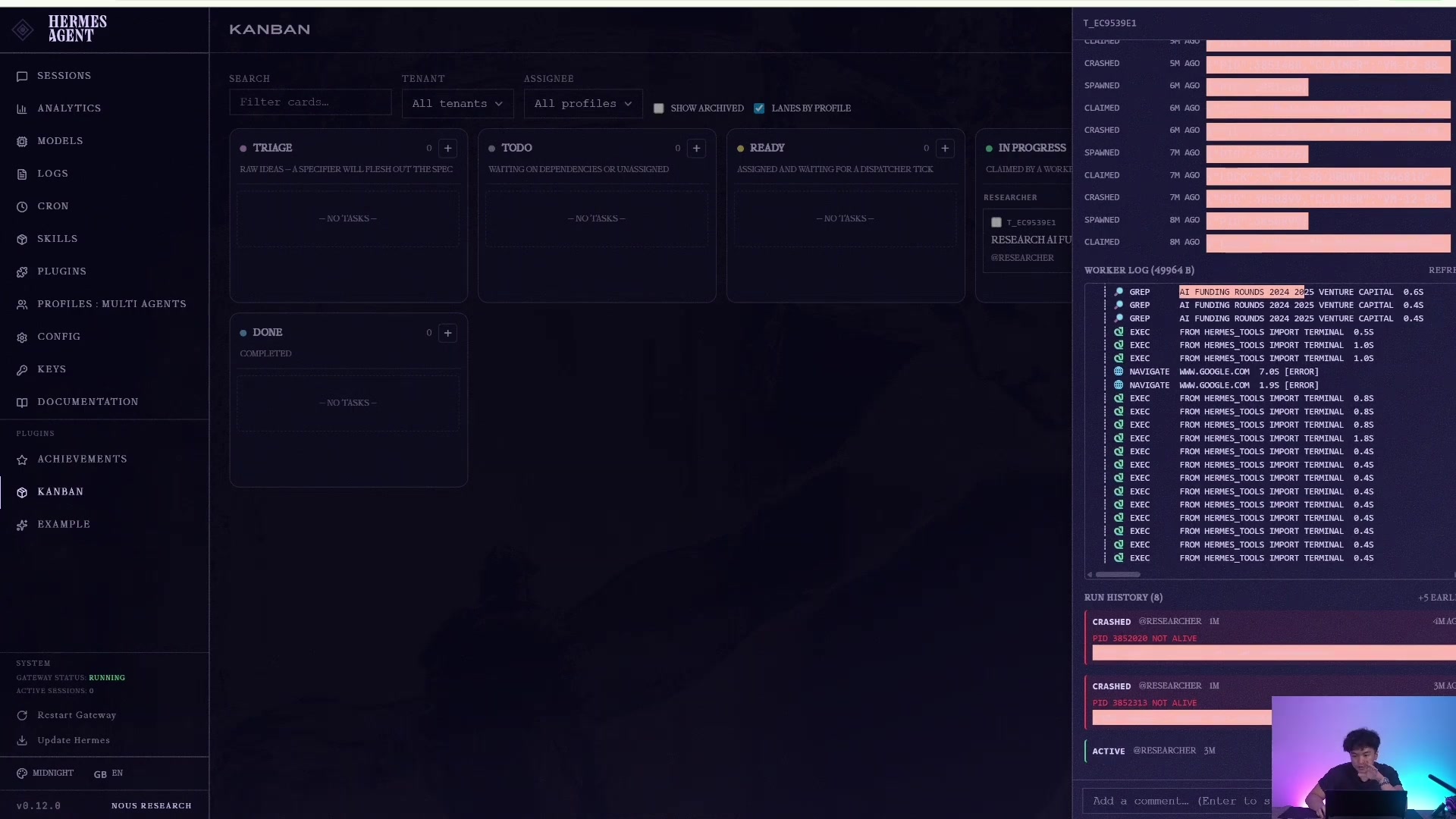
*worker log is the most important observability entry for Kanban compared to ordinary conversations. *
Once the task completes, you can see it go from ready / runningto done, retaining the result summary, attempt history, and worker delivery evidence.
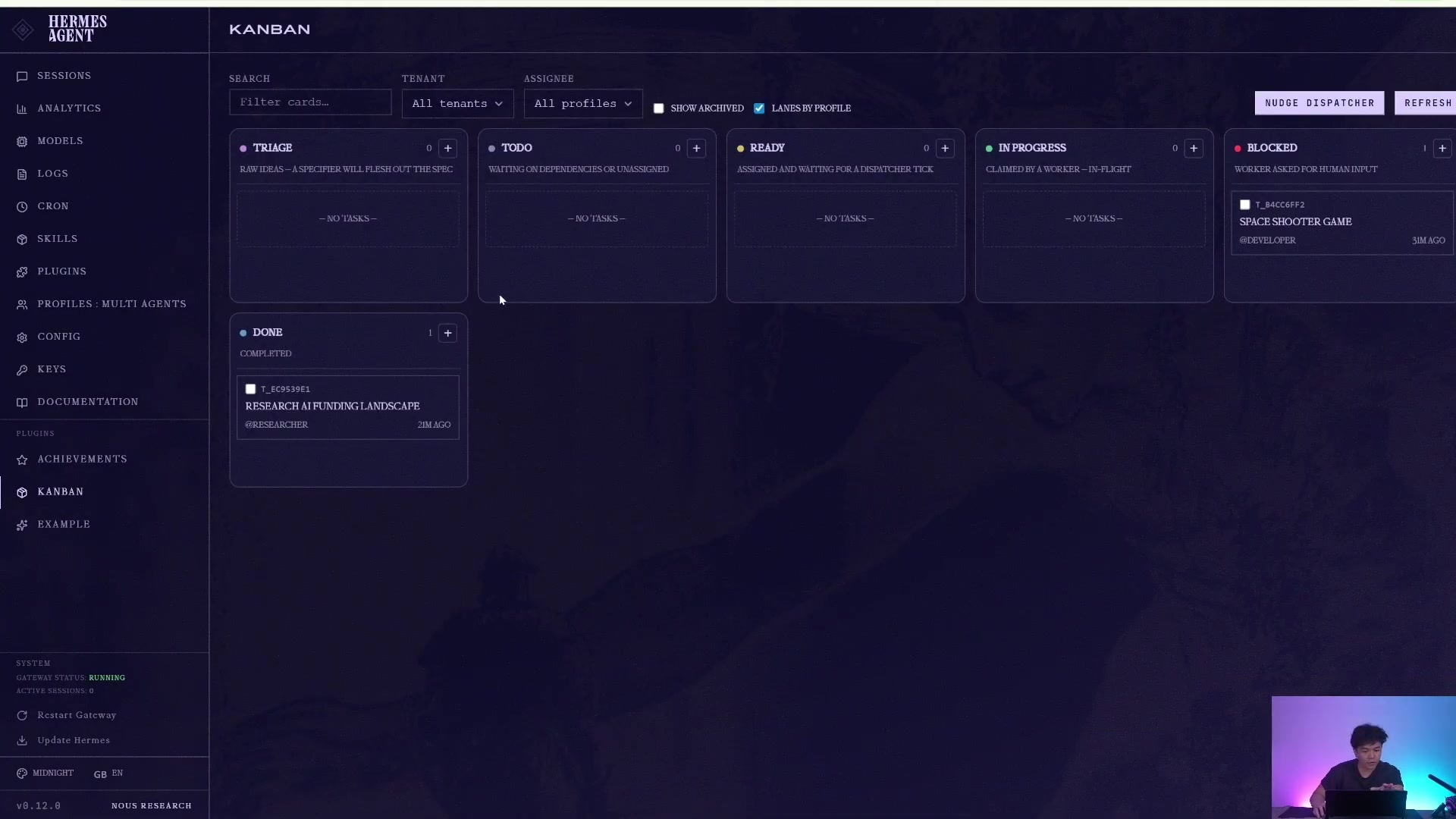
*It does not just return an answer, but retains execution traces and completion evidence. *
If the task claims to have written a file but you don't find it, don't just look in the profile directory. Kanban task products are first placed in the workspace:
hermes kanban show <task-id>
hermes kanban context <task-id>
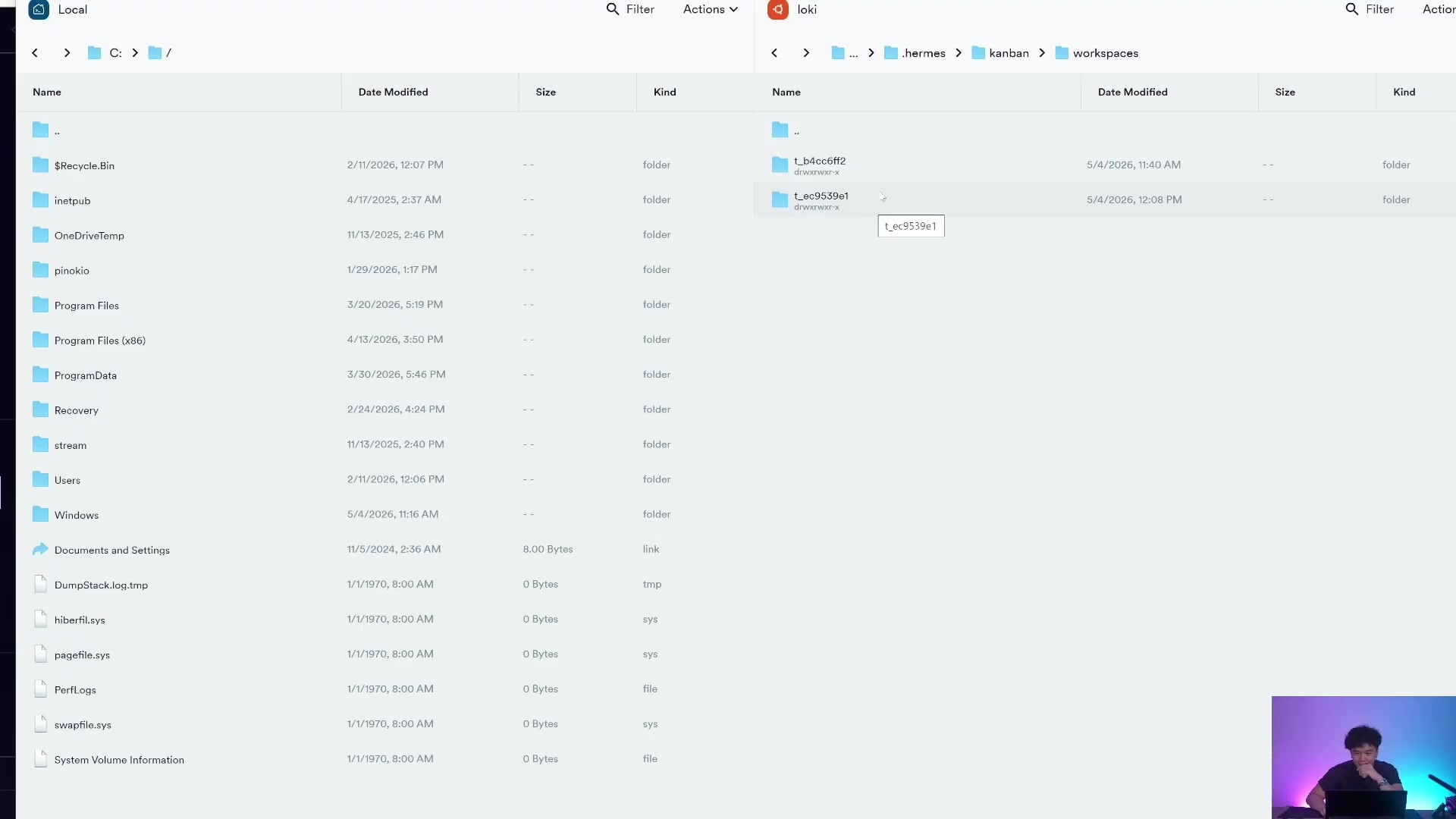
*profile holds employee identity and configuration; kanban workspace holds work products. *
Handle blocking, retrying and recovery
Real tasks are bound to get stuck, so the value of Kanban is not just "automatic execution" but also recovery capabilities.
When worker requires human input, it turns the task into blocked. You can add comments again unblock:
hermes kanban comment <task-id> "采用 2026 版 schema,不要用旧字段"
hermes kanban unblock <task-id>
If worker is stuck or configured incorrectly, you can use reclaim or reassign:
# Release the current running claim so the task can be claimed again
hermes kanban reclaim <task-id>

# Reassign to another profile and reclaim it at the same time
hermes kanban reassign <task-id> reviewer --reclaim
If you need manual markup completion, you can also write a structured handoff:
hermes kanban complete <task-id> \
  --result "文章初稿已完成" \
  --summary "已根据研究结果完成 1200 字中文初稿,包含标题、痛点、方案和 CTA" \
  --metadata '{"artifact":"draft.md","verification":["人工通读一遍"]}'
Return to specific worker session troubleshooting
If there is a problem with the result of a certain worker, you can resume the session of profile to which it belongs instead of returning to the main profile to guess.
hermes --profile researcher sessions list
hermes --profile researcher --resume <session-id>
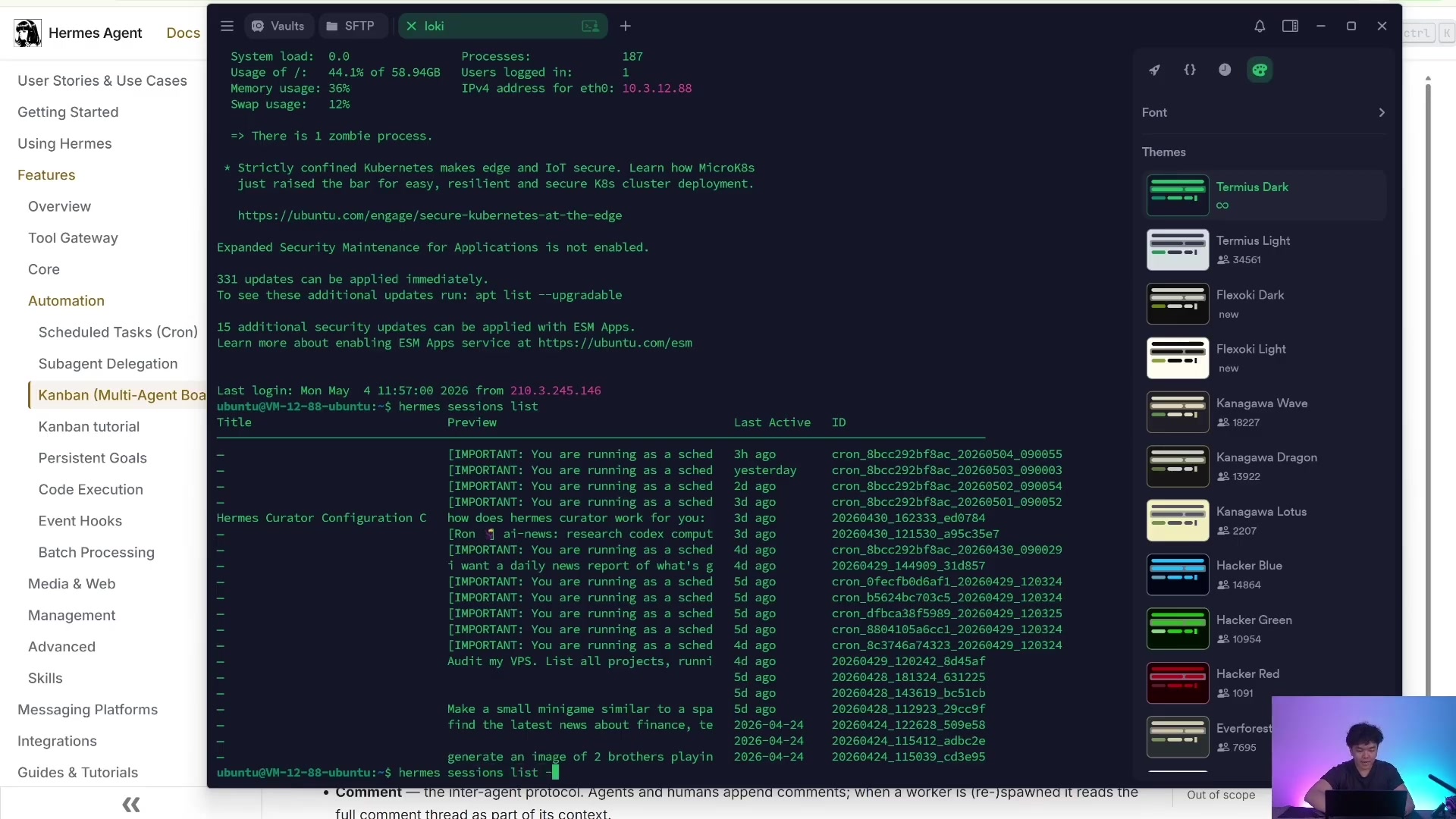
*Multiple profile sessions are separated, which is part of role isolation. *
Dashboard: The console for people to see
CLI is suitable for automation, Dashboard is suitable for human supervision. You can open Hermes Dashboard, view the task bar, drag and drop status, view comments, and check running records in the Kanban tab.
hermes kanban init
hermes dashboard
If you only want local access, keep the default 127.0.0.1. Do not expose the dashboard to the public network casually, because Kanban will contain the task text, comments, workspace path and execution results.
Feishu is the front desk, Kanban is the assembly line
Portals such as Feishu, Telegram, and Slack are not just chat windows, they can become demand portals, handover desks, and approval desks. Kanban is a work queue: the requirements enter the Kanban, are dismantled, executed, reviewed, and finally the results are returned. In this way, multiple profile can cooperate like an assembly line.
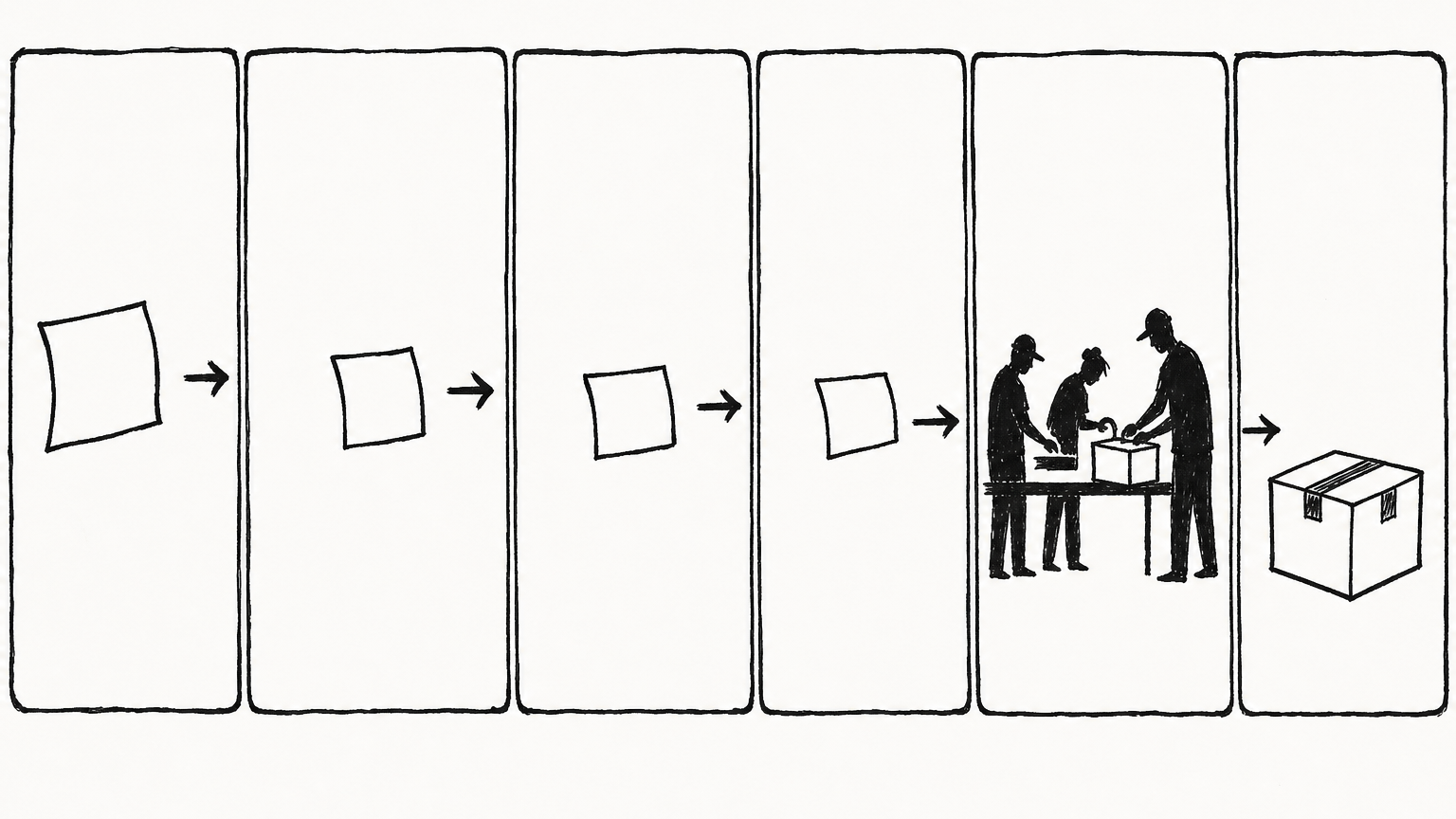
*The entrance, queue, position and return mechanism are connected to form an operational system. *
In gateway, you can directly use /kanbanslash command to manage tasks:
/kanban list
/kanban show t_abcd
/kanban create "写一篇产品上线文章" --assignee writer
/kanban comment t_abcd "这里要强调 ROI,不要只讲功能"
/kanban unblock t_abcd
/kanban stats
The Kanban task created from gateway will automatically subscribe to final events: completion, blocking, crash, timeout, etc., and will return to the original chat to notify you. This is the minimum closed loop of "front desk entrance + background pipeline".
Four workflows that are most suitable for implementation first
1. Single-person function delivery
First let a profile complete a specific small task, such as writing a report, organizing a Markdown, and fixing a small bug. Don’t hire 5 people right off the bat.
hermes kanban create "整理 10 个竞品页面的 CTA 写法" \
  --assignee researcher \
  --body "输出 Markdown:页面链接、CTA 文案、适用场景、可借鉴点" \
  --workspace scratch
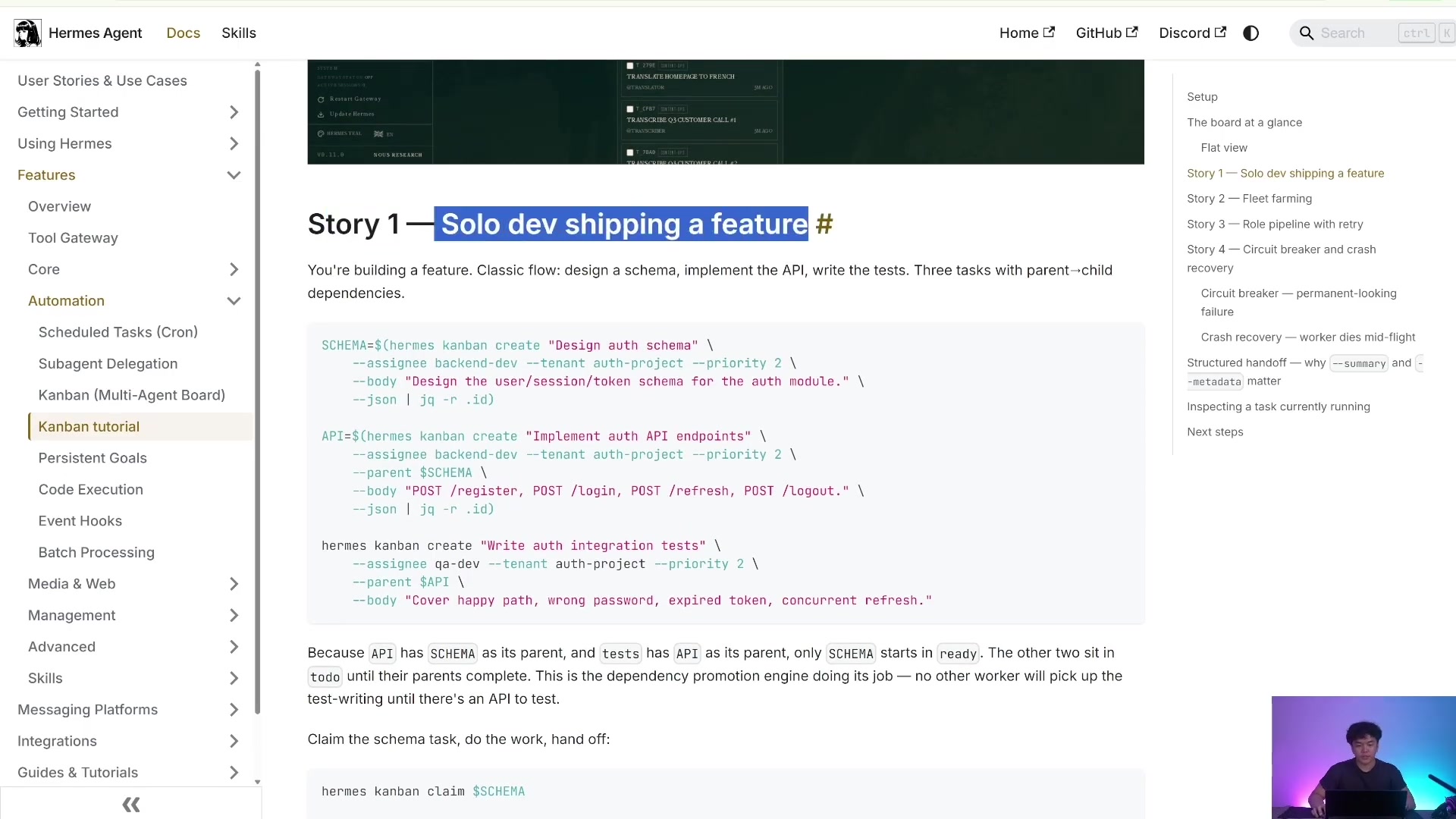
*Don’t pursue a fully automated team at the beginning. Let one position be delivered stably first. *
2. Research → Writing → Review Pipeline
This is the most common structure for content production: researcher for checking information, writer for writing the first draft, and reviewer for acceptance.
hermes kanban create "调研 Hermes Kanban 的核心概念" \
  --assignee researcher \
  --body "输出概念解释、命令示例、适合场景" \
  --workspace scratch

hermes kanban create "写 Hermes 数字员工系统文章" \
  --assignee writer \
  --parent <research-task-id> \
  --body "基于父任务研究结果,写中文长文,保留命令示例" \
  --workspace scratch

hermes kanban create "审核 Hermes 数字员工系统文章" \
  --assignee reviewer \
  --parent <writer-task-id> \
  --body "检查命令准确性、结构完整性、是否适合新手照做" \
  --workspace scratch
3. Multi-role project delivery
Engineering tasks can be split into coder, tester, and reviewer. The key is to write the "acceptance criteria" and "product location" into --bodyat every step.
hermes kanban create "实现登录接口限流" \
  --assignee coder \
  --body "在当前仓库实现登录接口限流;完成后写明改动文件和测试命令" \
  --workspace dir:/Users/yubinlee/git/my-product

hermes kanban create "验证登录接口限流" \
  --assignee reviewer \
  --parent <coder-task-id> \
  --skill github-code-review \
  --body "查看父任务改动,运行测试,指出风险;不要直接合并" \
  --workspace dir:/Users/yubinlee/git/my-product
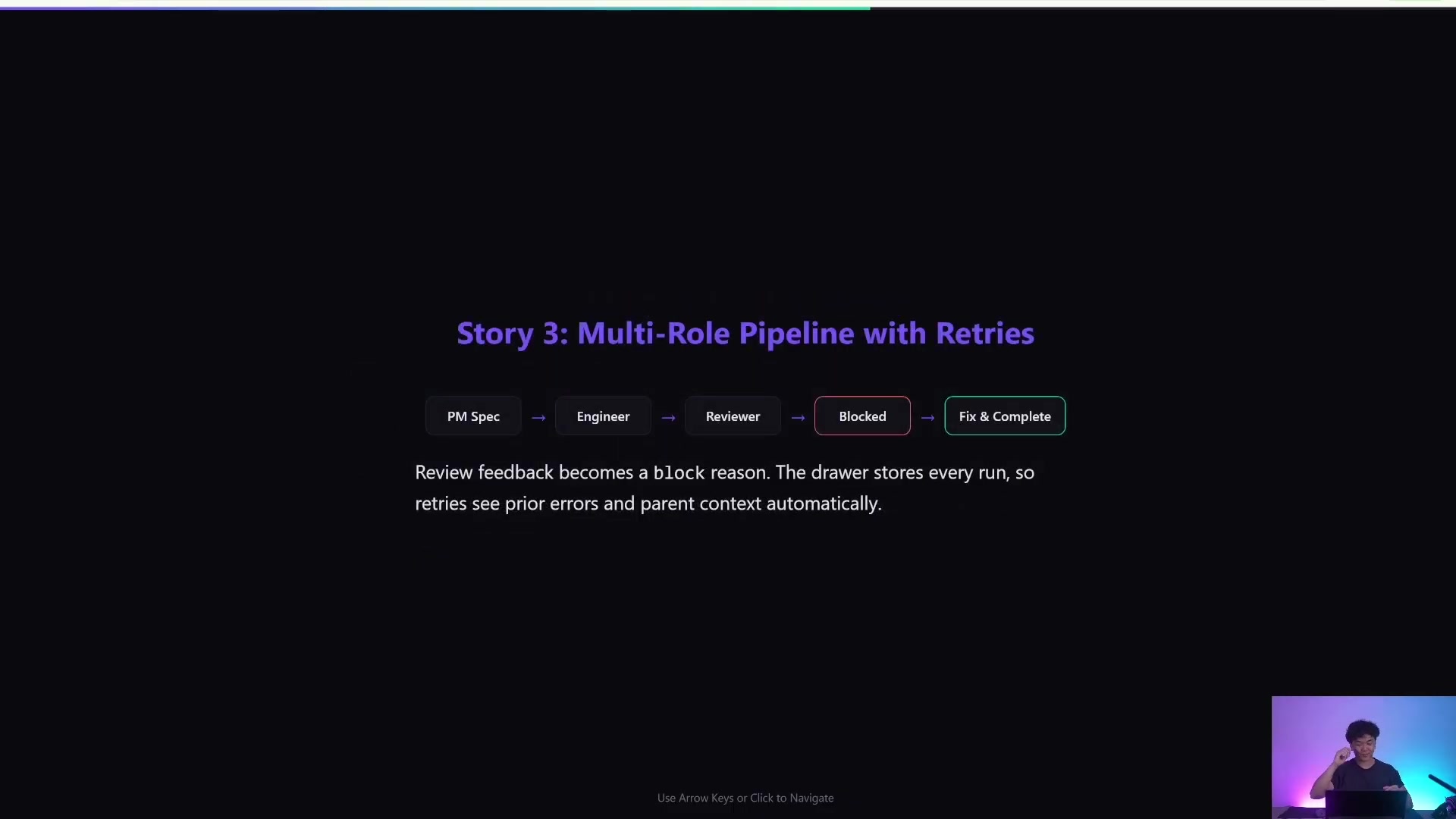
*It's more like an observable workflow system than a black box one-off delivery. *
4. Fleet farming: batch isomorphic tasks
When you have 20 similar tasks, such as 20 keyword pages, 20 social media accounts, and 20 competitive product analyses, you can use the same profile to create tasks in batches, and then use Kanban to observe the throughput.
hermes kanban create "分析关键词 A 的 SERP" --assignee researcher --body "输出搜索意图、竞品、内容结构" --workspace scratch
hermes kanban create "分析关键词 B 的 SERP" --assignee researcher --body "输出搜索意图、竞品、内容结构" --workspace scratch
hermes kanban create "分析关键词 C 的 SERP" --assignee researcher --body "输出搜索意图、竞品、内容结构" --workspace scratch
hermes kanban watch --assignee researcher
Don’t make mistakes about security boundaries
Profile solves identity and context isolation, which is not equivalent to security sandbox. Untrusted code, unfamiliar warehouses, and high-risk commands should still be put into sandboxes such as Docker, Daytona, etc.; keys should also be separated according to profile to prevent one employee from obtaining all permissions.

*Profile is not a safe, the Sandbox is the execution layer security boundary. *
Practical suggestions:
orchestratorDon't give too many execution permissions, try to let it only route tasks.researchercan have web/search permissions but does not necessarily need a production system key.codercan access code repositories, but high-risk repositories should use sandbox or worktree.reviewercan read diffs and run tests, but should not have production release permissions by default.- Manage each profile's
.envseparately, do not give all API key to each employee.
Minimum landing route
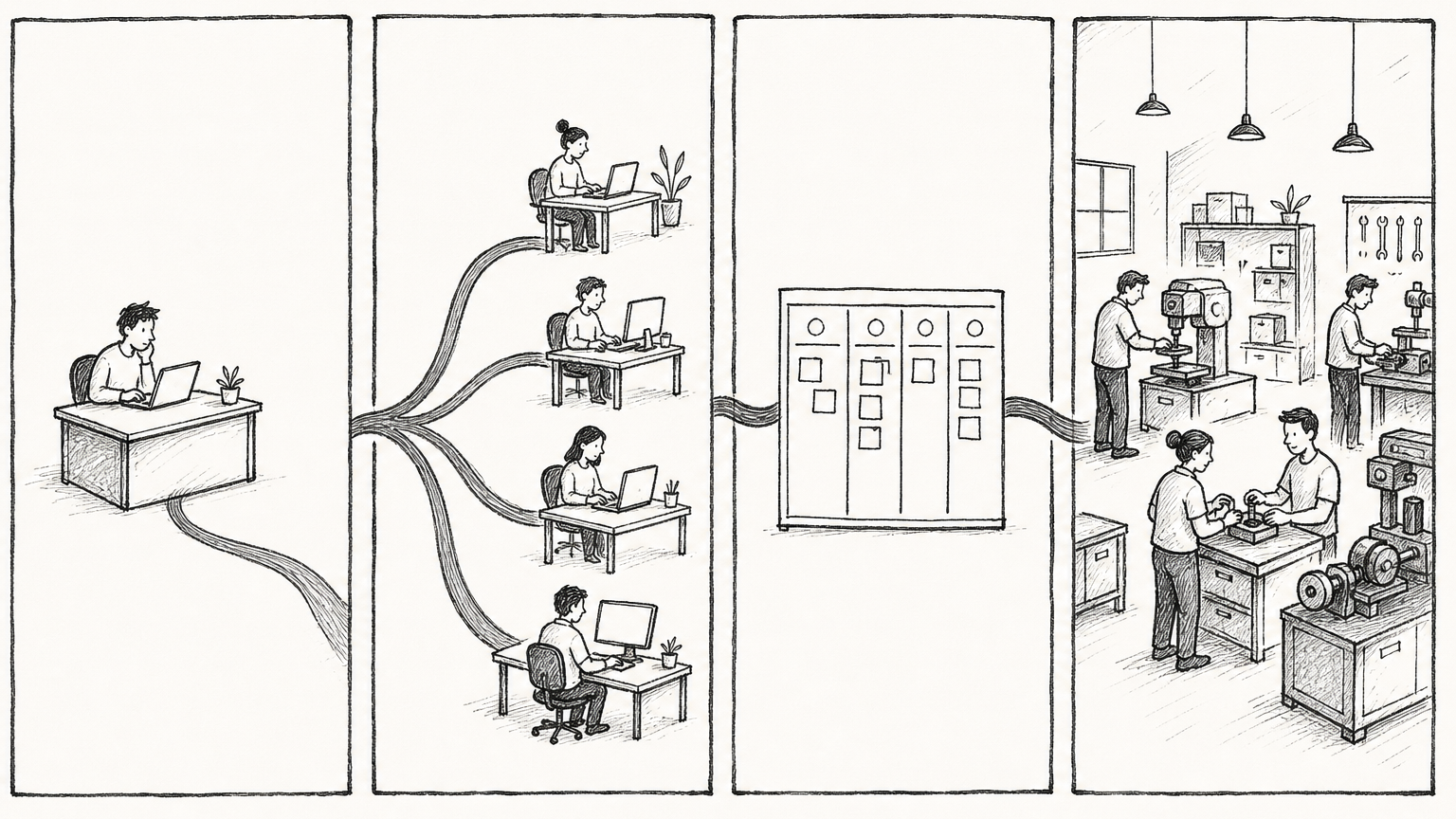
*A master does not have a universal assistant, but a digital employee workshop that can continuously deliver. *
It is recommended to build in this order:
Step one: Main profile run through
hermes doctor
hermes model
hermes chat -q "用一句话确认你能正常工作"
Step 2: Create 3 positions
hermes profile create orchestrator --clone
hermes profile create researcher --clone
hermes profile create writer --clone
hermes profile list
Step 3: Initialize Kanban and gateway
hermes kanban init
hermes gateway start
hermes kanban stats
Step 4: Run a single card task first
hermes kanban create "写一份 500 字的 Hermes Kanban 入门说明" \
  --assignee writer \
  --body "面向新手,必须包含 3 个命令和 3 个注意事项" \
  --workspace scratch

hermes kanban watch
Step 5: Let Orchestrator split the task again
hermes kanban create "组织完成一篇数字员工系统完整教程" \
  --assignee orchestrator \
  --skill kanban-orchestrator \
  --body "请拆成 researcher、writer、reviewer 三阶段。每张卡写清楚输入、输出、验收标准。不要自己完成全部任务。" \
  --workspace scratch
Step 6: Use Dashboard or slash command to operate
hermes dashboard
Or in Telegram / Feishu / Slack:
/kanban list
/kanban show <task-id>
/kanban comment <task-id> "补充要求:文章要更适合小白"
/kanban unblock <task-id>
Conclusion
The strong point of Hermes is not that "a AI assistant is smarter", but that it can organize AI work: Profile allows employees to have identities, Orchestrator allows tasks to be dismantled, Kanban makes the execution process observable, recoverable, and repeatable, and Gateway allows humans to participate in collaboration in familiar chat portals.
The minimum viable system is: one main profile, one orchestrator, one researcher, one writer, and one Kanban board. First let it deliver an article or a small feature stably, and then gradually expand it into a digital employee workshop of researcher / coder / reviewer / publisher.
Latest from the blog
New research, comparisons, and workflow tips from the Vibe Coding Tools team.
A recorded Muse signup through Airtap, covering email codes, birthday confirmation, Meta account creation, and the limits of the invite-code and chat checks.
A practical look at local LLMs and agent workflows on a 32GB Apple Silicon Mac mini, including Qwen3.6-35B-A3B, MLX, and tool-calling limits.
A practical review of Jev's typed decisions, state handling, current AI Gateway availability, and independent open source alternatives.